
Unlock the power of AI-driven business insights with our guide to creating executive reporting dashboards. Learn how to transform data into actionable intelligence for strategic decision-making.
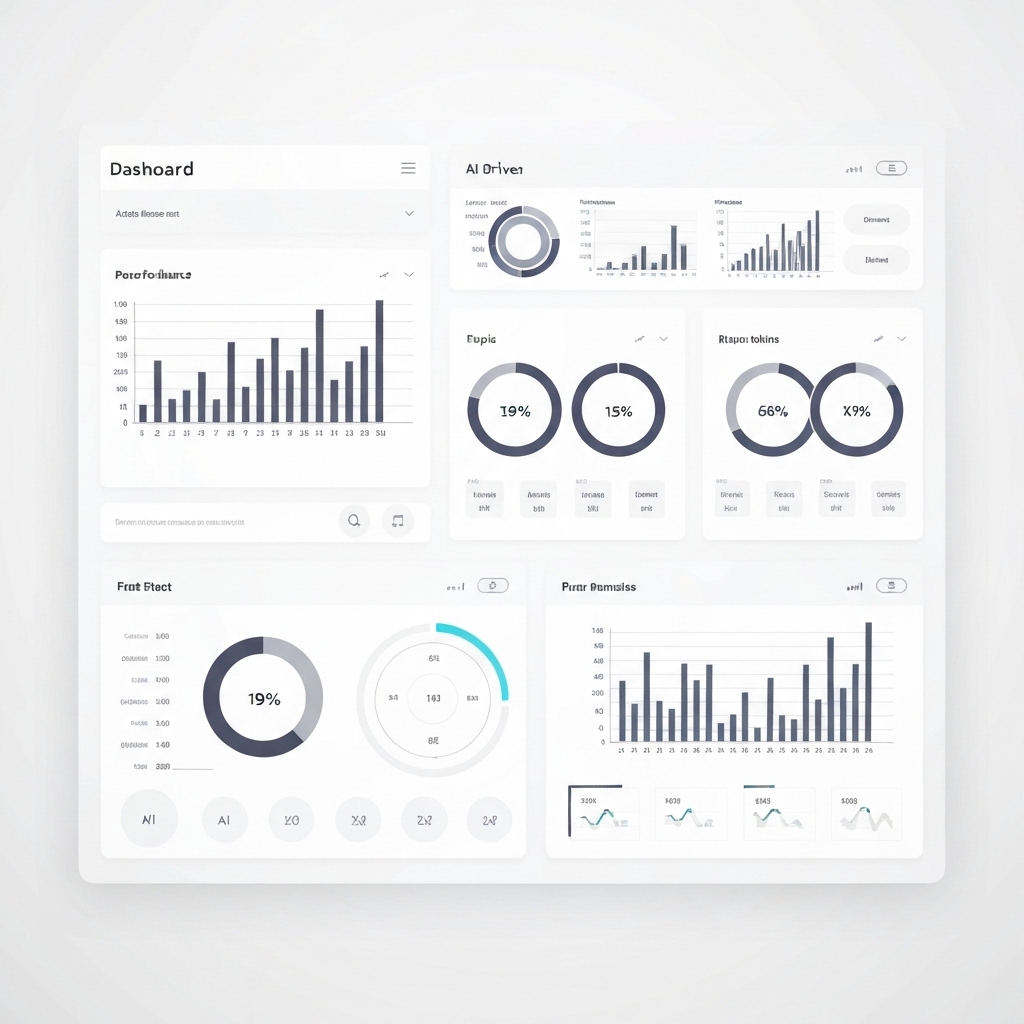
In today’s data-centric business landscape, executives rely on actionable insights to drive strategic decisions. However, with the explosion of data and the complexity of modern operations, traditional reporting methods often fall short. This is where AI-driven executive reporting dashboards come in—a transformative tool that harnesses artificial intelligence to turn raw data into clear, actionable intelligence.
This guide will walk you through the process of creating executive reporting dashboards that leverage AI to deliver real-time, predictive, and prescriptive insights. Whether you’re a business leader, data analyst, or IT professional, you’ll discover practical strategies, frameworks, and tips to implement right away.
Why AI-Driven Dashboards Are Essential for Modern Businesses
Executive dashboards are no longer just about displaying KPIs; they’re about storytelling with data. AI enhances this by:
- Automating Data Processing: AI algorithms can clean, integrate, and analyze vast datasets in seconds, eliminating manual effort.
- Predictive Analytics: AI models forecast trends, identify risks, and uncover opportunities before they become apparent.
- Personalization: Dashboards can adapt to individual executive preferences, highlighting the most relevant insights.
- Real-Time Updates: AI ensures data is always current, enabling swift decision-making.
By embedding AI into your dashboards, you empower executives to focus on strategy rather than data interpretation.
Key Components of an AI-Driven Executive Dashboard
Before diving into design, understand the core elements that make an AI-driven dashboard effective:
- Data Sources: Integrate diverse data streams (e.g., CRM, ERP, social media, IoT) to provide a holistic view.
- AI Models: Incorporate machine learning, natural language processing (NLP), and predictive analytics to uncover hidden patterns.
- Visualizations: Use charts, graphs, heatmaps, and interactive elements to make insights intuitive.
- KPIs and Metrics: Highlight key performance indicators tailored to executive priorities.
- Alerts and Recommendations: Implement AI-driven alerts for anomalies and actionable recommendations.
Step-by-Step Guide to Building AI-Driven Executive Dashboards
1. Define Objectives and Audience
Start by aligning the dashboard with business goals. Ask:
- What decisions will this dashboard support?
- Who are the primary users (e.g., CEO, CFO, CMO)?
- What metrics matter most to them?
For example, a CFO might prioritize financial health metrics, while a CMO focuses on campaign ROI.
2. Select the Right Tools and Technologies
Choose platforms that support AI integration, such as:
- Tableau or Power BI for visualization with AI plugins.
- Google Data Studio with AI-powered insights.
- Custom Solutions using Python (e.g., TensorFlow, PyTorch) or R for advanced AI models.
3. Integrate AI Capabilities
Embed AI into your dashboard by:
- Automating Data Cleaning: Use tools like Trifacta or OpenRefine.
- Building Predictive Models: Leverage platforms like DataRobot or H2O.ai.
- Adding NLP: Enable executives to query data using natural language (e.g., AskData, ThoughtSpot).
4. Design for Clarity and Impact
Follow these design principles:
- Minimalism: Avoid clutter; focus on key insights.
- Consistency: Use a unified color scheme and typography.
- Interactivity: Allow users to drill down into data for deeper analysis.
- Mobile Optimization: Ensure dashboards are accessible on all devices.
5. Test and Iterate
Gather feedback from executives and refine the dashboard. Use A/B testing to compare different layouts and features.
Best Practices for AI-Driven Executive Dashboards
- Focus on Actionability: Highlight not just what happened, but what to do next.
- Ensure Data Accuracy: AI is only as good as the data it processes. Regularly audit data sources.
- Prioritize Security: Protect sensitive data with encryption and access controls.
- Provide Context: Include explanations for AI-generated insights to build trust.
- Scale for Growth: Design dashboards to accommodate future data sources and AI advancements.
Real-World Applications of AI-Driven Dashboards
Here’s how AI-driven dashboards are transforming industries:
- Retail: A global retailer uses AI to analyze sales data, predict inventory needs, and optimize pricing in real time.
- Healthcare: Hospitals leverage AI dashboards to monitor patient outcomes, resource utilization, and operational efficiency.
- Finance: Banks use AI to detect fraud, assess credit risk, and personalize customer experiences.
Overcoming Challenges in AI-Driven Dashboard Implementation
- Data Silos: Use APIs and integration tools to connect disparate systems.
- Resistance to Change: Educate executives on the value of AI and provide training.
- High Costs: Start with pilot projects and scale gradually.
- Ethical Concerns: Ensure AI models are transparent and bias-free.
The Future of AI-Driven Executive Dashboards
As AI continues to evolve, expect advancements like:
- Augmented Analytics: AI will handle more of the analysis, freeing up time for strategic thinking.
- Voice-Enabled Dashboards: Executives will interact with data using voice commands.
- Hyper-Personalization: Dashboards will adapt in real-time to individual preferences and behaviors.
Conclusion
Creating AI-driven executive reporting dashboards is not just a technical endeavor—it’s a strategic imperative. By transforming data into actionable insights, these dashboards empower leaders to make informed decisions, drive innovation, and stay ahead in a competitive landscape.
Start small, iterate often, and embrace the power of AI to unlock the full potential of your business data. The future of decision-making is here—are you ready to lead the way?





























