
Streamline your cleaning business with our Cleaning Customer History Tracker Spreadsheet Excel template. Effortlessly manage client details, service history, and payments in one organized, easy-to-use tool. Download now to boost efficiency and customer satisfaction!
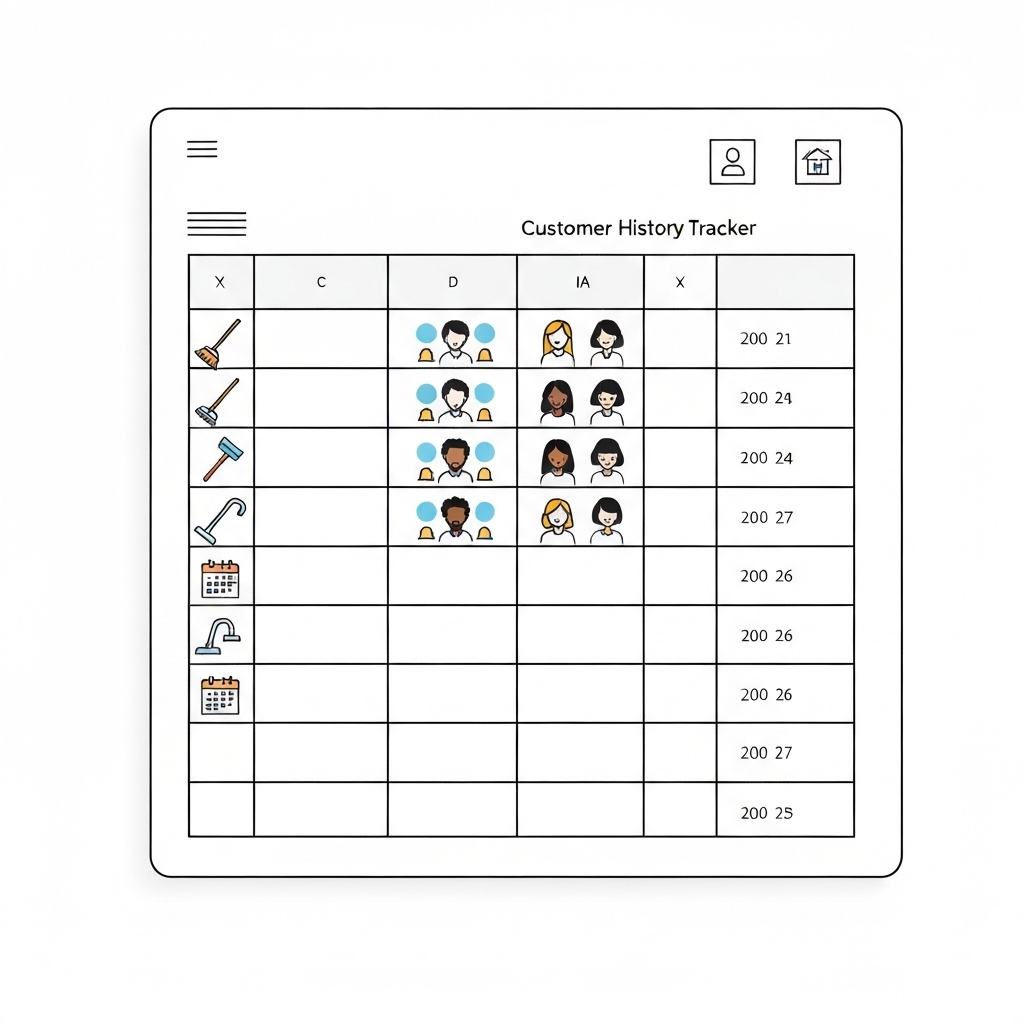
Managing a cleaning business requires more than just keeping spaces spotless – it demands efficient organization, seamless customer management, and precise record-keeping. Enter the Cleaning Customer History Tracker Spreadsheet Excel, a game-changing tool designed to simplify your operations and elevate your business to new heights.
In this article, we’ll explore why this spreadsheet is essential for cleaning businesses, how it works, and practical tips to maximize its potential. Whether you’re a solo cleaner or run a large team, this tool will help you stay organized, save time, and deliver exceptional service.
Why You Need a Cleaning Customer History Tracker
Running a cleaning business involves juggling multiple tasks: scheduling appointments, tracking payments, managing client preferences, and ensuring consistent service quality. Without a centralized system, it’s easy to lose track of critical details, leading to missed opportunities, dissatisfied customers, and inefficiencies.
A Cleaning Customer History Tracker solves these challenges by:
- Centralizing Client Information: Store all customer details in one place, from contact info to cleaning preferences.
- Tracking Service History: Keep a record of past services, including dates, tasks completed, and special requests.
- Managing Payments: Monitor invoices, payments, and outstanding balances effortlessly.
- Improving Customer Service: Access client history quickly to personalize services and build stronger relationships.
- Saving Time: Automate repetitive tasks and reduce manual data entry.
By implementing this spreadsheet, you’ll gain clarity, efficiency, and control over your business operations.
Key Features of the Cleaning Customer History Tracker Spreadsheet
Our Excel template is designed with cleaning businesses in mind, featuring intuitive sections and customizable fields. Here’s what you’ll find:
1. Customer Profile Section
- Name, Contact Info, and Address: Store essential details for quick reference.
- Cleaning Preferences: Note specific requests e.g., eco-friendly products, focus areas.
- Special Instructions: Include access codes, pet details, or other important notes.
2. Service History Log
- Date of Service: Track when each cleaning session occurred.
- Services Provided: List tasks completed e.g., deep cleaning, carpet shampooing.
- Staff Assigned: Record which team member handled the job.
- Notes: Add observations or feedback from the visit.
3. Payment Tracker
- Invoice Number and Date: Keep track of billing details.
- Amount Paid/Outstanding: Monitor payments and overdue balances.
- Payment Method: Record how clients paid cash, card, etc..
4. Scheduling Calendar
- Upcoming Appointments: Plan future cleanings with ease.
- Recurring Services: Set reminders for regular clients.
5. Customizable Dashboard
- Quick Insights: View key metrics like total revenue, active clients, and upcoming appointments.
- Visual Reports: Use charts to analyze trends and performance.
How to Use the Cleaning Customer History Tracker Spreadsheet
Getting started with the Excel template is simple. Follow these steps to maximize its benefits:
Step 1: Download and Set Up
- Download the Template: Access the Cleaning Customer History Tracker Spreadsheet Excel from our website.
- Customize Fields: Tailor the spreadsheet to your business needs by adding or removing columns.
Step 2: Input Customer Data
- Add Client Profiles: Enter details for each customer, including preferences and special instructions.
- Update Service History: Log each cleaning session with relevant details.
Step 3: Track Payments
- Record Invoices: Enter billing information for each service.
- Monitor Payments: Update the status as payments are received.
Step 4: Schedule and Plan
- Book Appointments: Use the calendar to schedule cleanings and set reminders.
- Optimize Routes: Plan efficient routes for multiple jobs in a day.
Step 5: Analyze and Improve
- Review Reports: Use the dashboard to identify trends, such as peak seasons or popular services.
- Adjust Strategies: Make data-driven decisions to grow your business.
Benefits of Using the Cleaning Customer History Tracker
Implementing this spreadsheet offers numerous advantages for your cleaning business:
1. Enhanced Organization
Say goodbye to scattered notes and missed appointments. With all data in one place, you’ll stay organized and focused.
2. Time Savings
Automate repetitive tasks like invoicing and scheduling, freeing up time to focus on growth and customer satisfaction.
3. Improved Customer Relationships
Access client history instantly to provide personalized service and build trust.
4. Increased Revenue
Track payments efficiently to reduce missed invoices and improve cash flow.
5. Scalability
As your business grows, the spreadsheet scales with you, accommodating more clients and services.
Tips for Maximizing Your Cleaning Customer History Tracker
To get the most out of this tool, consider these practical tips:
- Keep It Updated: Regularly input data to ensure accuracy and reliability.
- Train Your Team: If you have employees, train them to use the spreadsheet consistently.
- Backup Your Data: Save copies of the spreadsheet to avoid losing critical information.
- Use Filters and Sorting: Quickly find specific clients or services using Excel’s built-in features.
- Integrate with Other Tools: Pair the spreadsheet with calendar apps or accounting software for seamless workflows.
Download Your Cleaning Customer History Tracker Today
Ready to transform your cleaning business? Download the Cleaning Customer History Tracker Spreadsheet Excel now and take the first step toward greater efficiency, organization, and success.
With this powerful tool, you’ll streamline operations, delight customers, and grow your business like never before. Don’t wait – start tracking smarter today!





























