
Executive Summary
Learn how to turn payroll variance analysis into a repeatable, low-effort process using Excel dashboards. This guide covers a practical framework, formulas, and visuals you can deploy today to quickly spot, explain, and act on payroll variances.
What is payroll variance and why it matters
Payroll variance is the difference between actual payroll costs and what was budgeted or standard. Tracking this variance helps you identify budgeting inaccuracies, process inefficiencies, or unexpected shifts in headcount or pay rates. A consistent variance analysis routine improves control over labor costs and supports smarter planning.
Key idea: focus on material variances—those that have a meaningful financial impact—while filtering out tiny fluctuations that waste time. This keeps your analysis tightly aligned with decision-making needs.
Set up a repeatable framework
Begin with a simple three-part framework: capture, calculate, and communicate. Capture the data you need, calculate variances using clear formulas, and communicate insights in an executive-friendly format. This structure reduces work over time and scales with company growth.
1) Data inputs you need
- Actual payroll cost: total payroll expense for the period.
- Budgeted/standard payroll cost: what you planned to pay for the same period.
- Headcount and hours (optional) to support root-cause analysis.
- Rate components (overtime, bonuses, benefits) if you want a deeper breakdown.
2) Core formulas
- Payroll Variance (dollar): Actual payroll cost – Budgeted cost
- Payroll Variance (%) = (Actual / Budgeted) – 1
- Material variance threshold: e.g., 5% of total budget or a fixed amount (adjust to your business).
3) How to structure in Excel
- Raw data sheet: store all inputs with clear headers (Period, Employee, ActualPay, BudgetPay, Hours).
- Variance calculations: a dedicated column for Variance $ and Variance % next to each period or department.
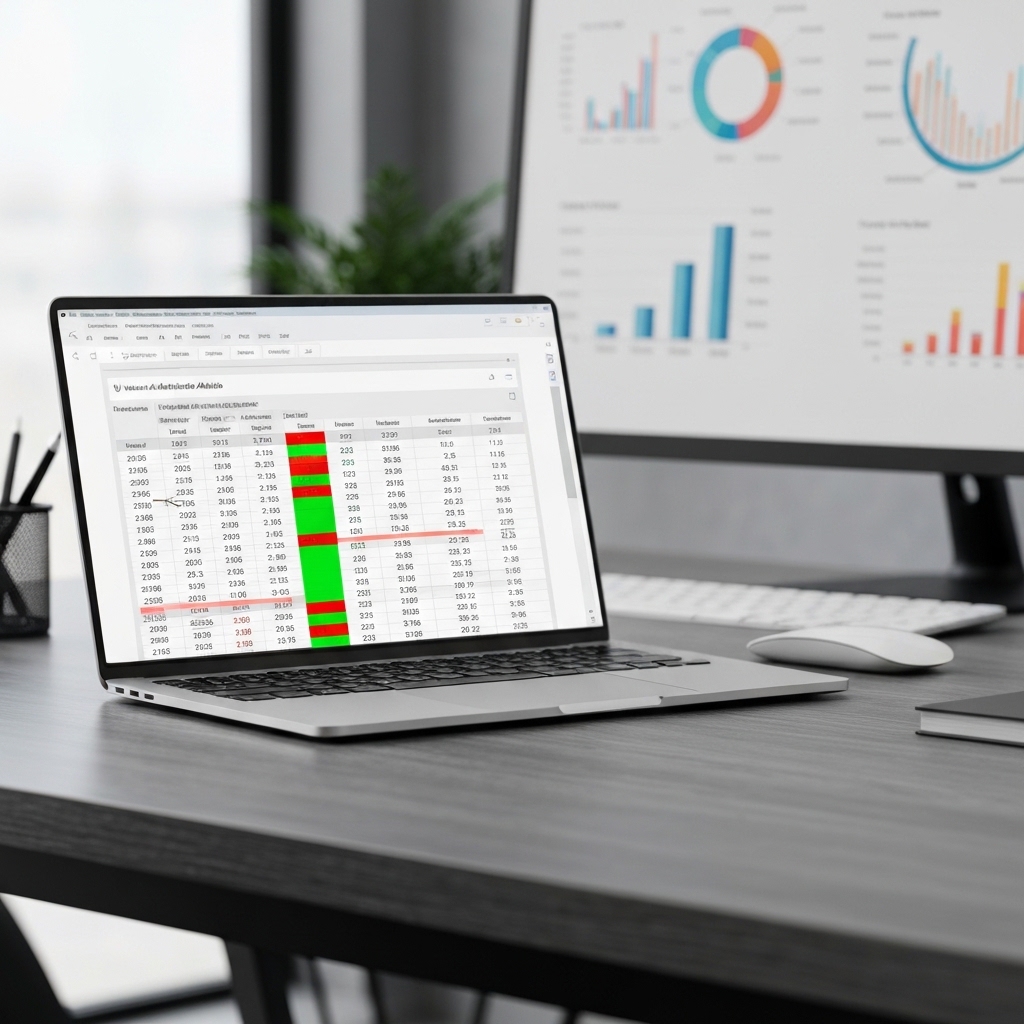
- Summary dashboard: KPIs, heatmaps, and trend lines to spot patterns quickly.
Build an at-a-glance dashboard
A dashboard helps you see the big picture fast and drill into the details when needed. Design with clarity and speed in mind: one page, relevant visuals, minimal jargon.
Recommended visuals
- Variance trend line: monthly or quarterly, with a shaded zone for acceptable variance.
- Variance by department or cost center: horizontal bar chart showing dollars or percentage.
- Top drivers: a pie or stacked bar showing overtime, rates, or headcount changes contributing to variance.
Practical tips for readability
- Use conditional formatting to highlight large variances (e.g., red for >10%, green for savings).
- Keep the dashboard interactive with slicers for period, department, and pay components.
- Label assumptions plainly, so leaders understand why variances occurred.
Root-cause analysis: convert insight into action
Not all variances require action, but material variances merit investigation. Break down the variance into rate and efficiency components to pinpoint causes.
Simple root-cause steps
- Check rate variances: examine wage rate changes, shift differentials, or new benefit costs.
- Check efficiency variances: review overtime hours, utilization, or headcount changes vs. plan.
- Set a significance threshold: e.g., focus on variances above 5% of total payroll.
Examples you can emulate
Example scenario: Budget $50,000 in payroll; actual is $54,500. Variance = 4,500; Variance % = 9%. Investigate whether overtime rose, new hires, or rate changes caused the spike.
Example 2: Department A budgeted $20,000; actual is $18,500. Variance = -1,500; Variance % = -7.5%. This signals potential savings or understaffing risking future workload; decide whether to reallocate or adjust budgets.
How to implement quickly
Do these steps this week to start reaping benefits:
- Gather actuals and budgets for the current and prior periods for comparison.
- Create a variance calculator in Excel with a dedicated sheet for each period.
- Build one-page visuals: trend line, department breakdown, and drivers summary.
- Set a 5% materiality threshold and document how to handle variances below it.
- Review with finance and HR to align on root causes and actions.
Definitions and formulas you’ll use
Key definitions:
- Actual payroll cost: sum of all payroll-related payments in the period.
- Budgeted payroll cost: the planned payroll expense for the period.
- Payroll variance: the gap between actual and budgeted costs.
- Variance percentage: the ratio of the variance to the budgeted cost minus one.
Useful formulas:
- Payroll Variance = Actual – Budget
- Payroll Variance % = (Actual / Budget) – 1
- If Variance % > threshold, escalate for root-cause analysis.
What’s next: action plan for teams
- Design a repeatable data template for payroll inputs.
- Publish a monthly variance dashboard for leadership review.
- Institute a 30-minute variance review meeting focusing on top variances.
- Document learnings and adjust budgets for future cycles.
Keep in mind
Consistency matters more than perfection. A steady cadence of reporting and transparent explanations build trust and enable teams to act quickly on payroll variances. Use the same definitions and thresholds across periods to maintain comparability.
What to do right away
Start with a simple 1-page Excel dashboard that tracks Actual, Budget, Variance $, and Variance % for the current period. Add a quick root-cause section to capture suspected drivers. Share with your finance and HR leads and iterate after the first monthly cycle.
Takeaways
Payroll variance analysis should be a practical, repeatable process that informs decisions and improves budgeting accuracy. A clean Excel dashboard with clear formulas and materiality thresholds gives you fast visibility and actionability. The one core idea: separate what happened from why it happened, then focus on the biggest drivers to drive real cost improvements.
Close
Here is what you need to do now: build a minimal payroll variance sheet, connect an easy dashboard, and apply a materiality threshold to prioritize investigations. This approach keeps you focused on the numbers that matter and accelerates improvements in payroll performance.





























