
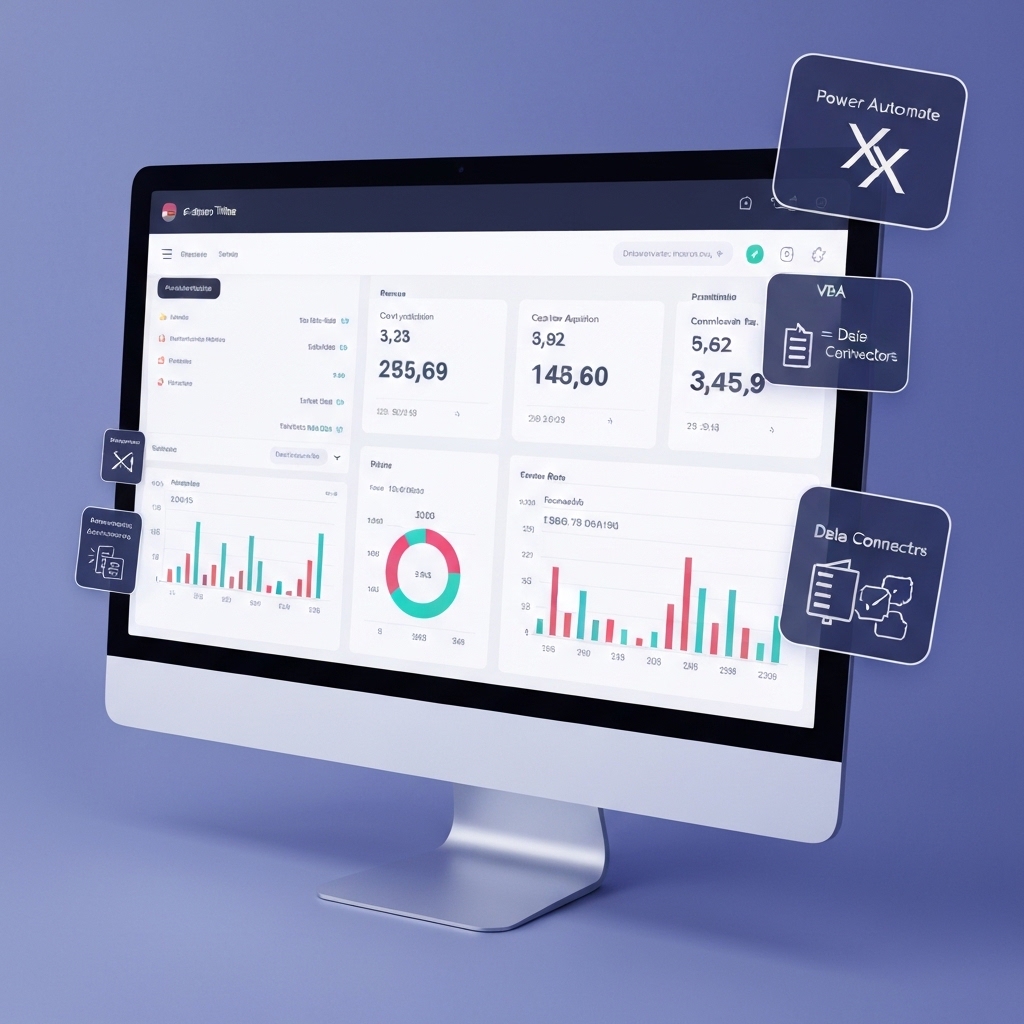
Executive Summary
Automating e‑commerce accounting with Excel-based tools can dramatically reduce manual data entry, improve accuracy, and speed time-to-insight. This article translates a core idea from industry discussions into a practical, evergreen framework for building scalable dashboards and KPIs that stay useful across business sizes and industries.
Why automation matters in e‑commerce accounting
In fast‑moving e‑commerce environments, accounting tasks like order reconciliation, refunds, inventory adjustments, and sales tax calculations consume significant time. Automation reduces repetitive work, frees up staff for higher‑value activities, and lowers error rates. By tying automation to dashboards, teams can monitor cash flow, margins, and customer experience in near real time.
Key benefits at a glance
- Accuracy and consistency through rule‑based data processing.
- Faster closes and more reliable forecasts by automating data flows from sales platforms to accounting records.
- Improved customer service outcomes via timely order status and billing information.
Core concepts: automation, dashboards, and KPIs
Automation in this context means converting manual, repetitive tasks into repeatable processes using Excel features, lightweight automation tools, and data connections. Dashboards bring those processes to life by visualizing KPIs, trends, and exceptions in a single view. KPIs are the measurable outcomes that indicate financial health and operational efficiency.
Define your one core KPI family
Choose a concise KPI set aligned to your business goals. For example:
- Cash flow health: net cash burn, days sales outstanding (DSO), days payable outstanding (DPO).
- Operational efficiency: order cycle time, auto‑reconciliation rate, data entry error rate.
- Profitability signals: gross margin, contribution margin, average order value (AOV).
Practical framework: from data to decisions
Follow these steps to build a repeatable process that blends Excel automation with dashboards.
1) Map data sources to a single source of truth
Connect your sales platform, payment processor, and order management system to a central data model. In Excel terms, create structured tables for orders, refunds, customers, products, and shipments. Use stable identifiers (order_id, sku) to join data across sources. This reduces reconciliation time and minimizes mismatches.
2)Automate routine accounting tasks
Automations can handle repetitive workloads such as:
- Importing daily transactions from your storefront and payment gateways.
- Reconciling payments against orders and refunds.
- Updating inventory levels and cost of goods sold (COGS) automatically.
- Flagging mismatches or anomalies for human review.
3) Build live dashboards that tell a story
Dashboards should answer core business questions with multi‑dimensional metrics. Consider sections like:
- Financial health: cash position, aging receivables, net revenue after refunds.
- Operations: order throughput, fulfillment delays, inventory turnover.
- Marketing impact: cost per acquisition, return on ad spend, AOV trends.
Formulas and patterns you’ll reuse
Below are foundational formulas and patterns you can adapt in Excel or lightweight automation tools.
Key formulas
- VLOOKUP / XLOOKUP to correlate orders with payments: matching order_id to payment_id for accurate reconciliation.
- IF statements for anomaly detection: IF(error_rate > threshold, “Review”, “OK”).
- SUMIFS to aggregate by date, region, or product: total_sales_by_date, total_refunds_by_product.
- DATEDIF or NETWORKDAYS to compute cycle times: order_to_ship_days, days_to_close.
Automation patterns
- Scheduled imports: pull daily transactions at a fixed time to reduce manual refreshes.
- Event‑driven updates: trigger updates when new orders are created or refunds occur.
- Exception workflows: route flagged records to a review queue (email or a task tracker).
Implementation blueprint: a practical action plan
Use this blueprint to start small and grow over time without a heavy overhaul.
Action plan: phase 1
- Audit data sources and define your one‑page KPI dashboard.
- Create a simple data model in Excel with three tables: Orders, Payments, and Inventory.
- Implement basic reconciliation rules and auto‑imports for daily data.
Phase 2: expand automation
- Add refunds handling and auto‑adjust COGS and revenue where needed.
- Introduce alerting for mismatches and missing data.
- Enhance dashboards with trend analysis and scenario planning (what‑if analyses).
Phase 3: scale and governance
- Standardize naming conventions and data validation to prevent drift.
- Document processes and create a light control plan (roles, permissions, review cadence).
- Explore additional tools for deeper automation or cloud‑based dashboards as the data grows.
Leadership insights: how to drive adoption
People and process matter as much as technology. Share clear benefits with teams, demonstrate quick wins, and keep the scope focused to prevent scope creep. Encourage data literacy by teaching basic formulas and dashboard interpretation. The result is a culture where data informs decisions without overwhelming users.
Common pitfalls and how to avoid them
- Overloading dashboards with metrics. Start with a core set and expand gradually.
- Inconsistent data definitions. Establish a data dictionary and enforce it across teams.
- Underestimating governance. Assign owners and review cadences to maintain accuracy over time.
What’s next: actionable takeaways
Start with a single, critical KPI and automate the underlying data flow. Build a simple live dashboard around that KPI, then layer in additional metrics as you gain confidence. The objective is to reduce manual work today while preserving flexibility for future growth.
Takeaway formula: a quick reference
Cash flow health = Net cash in – Net cash out; Dilution risk = (Forecasted revenue – Actual revenue) / Forecasted revenue; Inventory turnover = Cost of goods sold / Average inventory. Use these to frame dashboards and alerts that keep you ahead of financial and operational issues.
Closing thoughts: when to scale up
When the automation shows clear time savings, accuracy gains, and improved customer outcomes, plan a measured scale‑up. Move from Excel‑centric workflows to hybrid solutions that integrate with your ERP or cloud BI tools. The core idea remains: automate the boring bits, illuminate the important bits, and let dashboards guide smarter decisions.
What to implement today
- Identify one core KPI and its data sources.
- Set up automatic daily data imports into a structured Excel model.
- Create a starter dashboard that visualizes the KPI, with at least three supporting metrics.
- Document data definitions and ownership to ensure repeatable success.





























