
Executive Summary
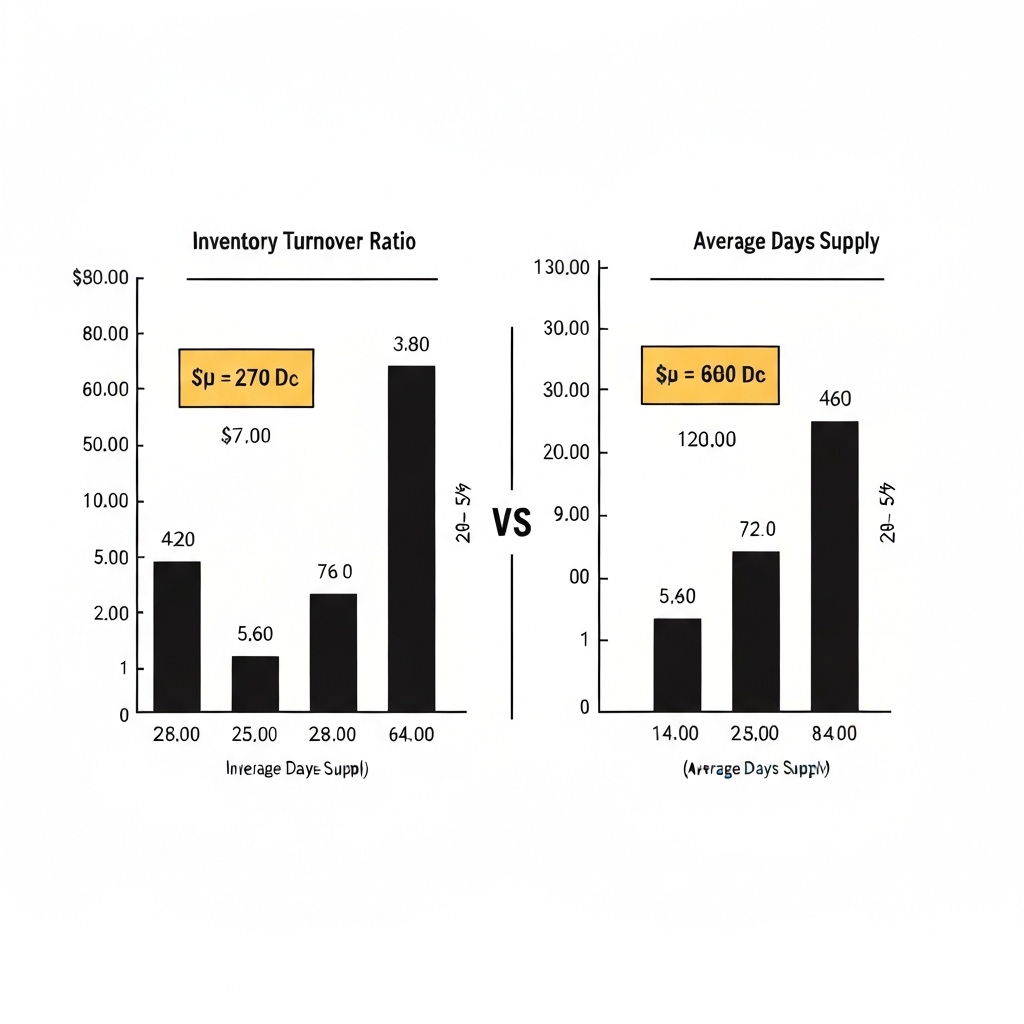
Inventory turnover and average days supply are critical metrics for measuring how well your business converts stock into revenue. High turnover means cash flows faster through your operations. Lower days supply indicates quicker inventory-to-sales conversion. Both metrics help identify deadstock risks, optimize purchasing, and improve cash flow.
What Is Inventory Turnover?
This ratio shows how many times inventory is sold and replaced over a period. Use this formula:
- COGS: Total cost of inventory sold during the period
- Average Inventory: (Starting Inventory + Ending Inventory) ÷ 2
Example: A retail store with $120,000 COGS and $30,000 average inventory has a turnover rate of 4. This means they replace stock 4 times annually.
What Is Average Days Supply?
Calculates how many days inventory remains in storage before selling. Formula:
Average Days Supply = 365 ÷ Inventory TurnoverUsing the previous example: 365 ÷ 4 = 91.25 days. Their inventory takes about 3 months to turn over completely.
Why These Metrics Matter
High Turnover (8+): Indicates strong sales or efficient restocking. But watch for stockouts.
Low Turnover (2 or below): Signals overstocking, poor sales, or pricing issues.
Days Supply Below 60: Optimal for fast-moving consumer goods. Anything over 120 days suggests liquidity risks.
Common Pitfalls to Avoid
- Ignoring Seasonality: A ski shop’s winter turnover will always dwarf summer numbers
- Mixing product categories in calculations
- Using outdated inventory counts
Tip: Segment calculations by product type and adjust for seasonal demand patterns.
Action Plan: How to Improve Your Metrics
- Review Pricing: Mark down slow-moving items to accelerate sales
- Optimize Purchasing: Align order quantities with historical sales trends
- Implement ABC Analysis: Focus on top 20% of products generating 80% of sales
- Track Supplier Lead Times: Reduce days supply by improving restock efficiency
What Good Metrics Reveal
A hardware store with 5.2 turnover and 70 days supply might think they’re efficient. But comparing to industry benchmarks (average 6.8 turnover) shows room for improvement. Digging deeper could uncover:
- Overstocked seasonal items
- Underperforming product lines
- Missed cross-selling opportunities
Connecting to Business Dashboards
Display these metrics on your operations dashboard with visual cues:
- Green light: Turnover above industry average
- Red flag: Days supply exceeding 120 days
- Trend arrows: Show 3-month movement vs. static numbers
Combine with complementary metrics like gross margin return on inventory (GMROI) for deeper insights.
Key Takeaways
- Calculate turnover monthly to catch trends early
- Compare days supply against industry standards
- Use metrics to negotiate better supplier terms
- Link inventory performance to sales team incentives
Next Steps
Start tracking these two metrics this week. Pull your COGS and inventory numbers from the last quarter. Calculate both ratios. Identify one product category with turnover below 4 and create a 30-day plan to move that stock. Re-calculate metrics monthly to measure progress.





























