
Discover how to leverage AI automation in KPI management reporting to streamline workflows, enhance accuracy, and drive data-driven decisions. Unlock efficiency and insights today!
In today’s fast-paced business environment, Key Performance Indicators (KPIs) are the lifeblood of data-driven decision-making. However, managing and reporting on KPIs can be time-consuming, error-prone, and resource-intensive. Enter AI automation—a game-changing technology that streamlines KPI management, enhances accuracy, and unlocks actionable insights. This article explores how to leverage AI automation in KPI management reporting, providing practical strategies, frameworks, and tips to transform your workflows.
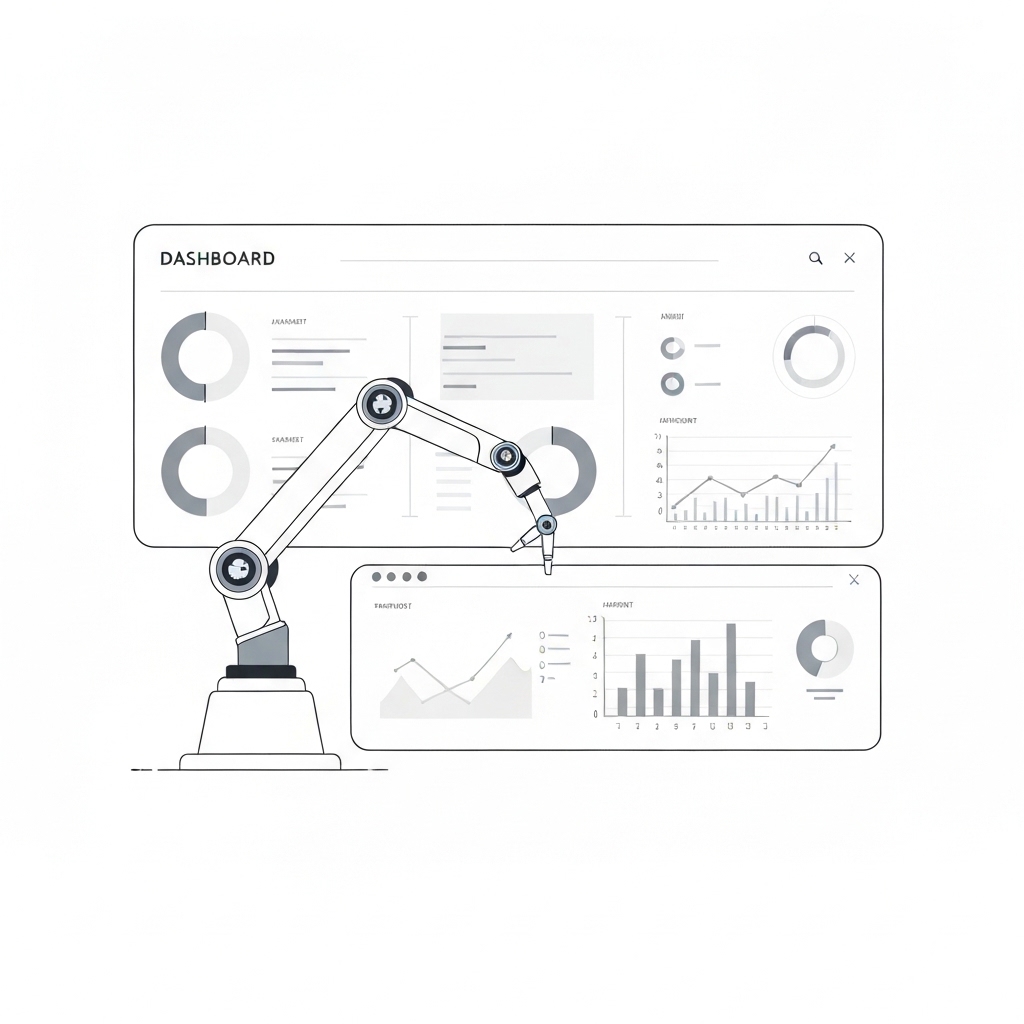
A clean, minimalist illustration of a dashboard with automated data flow, featuring a robot arm seamlessly integrating charts and graphs on a white background.
Why AI Automation is Essential for KPI Management
Before diving into the “how,” let’s address the “why.” AI automation in KPI management offers several transformative benefits:
- Efficiency: Automating repetitive tasks like data collection, cleaning, and visualization frees up time for strategic analysis.
- Accuracy: AI reduces human errors, ensuring reliable and consistent reporting.
- Real-Time Insights: Automated systems provide up-to-the-minute data, enabling faster decision-making.
- Scalability: AI tools can handle large volumes of data, making them ideal for growing businesses.
- Predictive Analytics: AI can forecast trends and identify anomalies, helping you stay ahead of the curve.
Now, let’s explore how to implement AI automation in your KPI management reporting process.
Step 1: Define Your KPIs and Reporting Goals
Before automating, clearly define your KPIs and reporting objectives. Ask yourself:
- What metrics are critical to your business goals?
- Who are the stakeholders, and what insights do they need?
- How frequently should reports be generated?
For example, a marketing team might focus on KPIs like Customer Acquisition Cost (CAC), Conversion Rate, and Return on Ad Spend (ROAS), while a sales team might prioritize Revenue Growth, Pipeline Velocity, and Churn Rate.
Pro Tip: Use the SMART framework (Specific, Measurable, Achievable, Relevant, Time-bound) to ensure your KPIs are well-defined.
Step 2: Choose the Right AI Tools
The market offers numerous AI-powered tools for KPI management. Here are some categories to consider:
- Data Integration Platforms: Tools like Zapier, Microsoft Power Automate, or Talend automate data collection from multiple sources.
- Analytics and Visualization Tools: Platforms like Tableau, Power BI, and Google Data Studio use AI to generate insights and create interactive dashboards.
- Predictive Analytics Tools: Solutions like Alteryx, RapidMiner, or DataRobot help forecast trends and identify patterns.
- Natural Language Processing (NLP) Tools: Tools like MonkeyLearn or OpenAI’s GPT can summarize reports and generate insights in plain language.
Pro Tip: Start with tools that integrate seamlessly with your existing tech stack to minimize disruption.
Step 3: Automate Data Collection and Cleaning
Data is the foundation of KPI reporting, but manual collection and cleaning are labor-intensive. AI automation can:
- Aggregate Data: Pull data from CRM systems, ERP platforms, spreadsheets, and other sources in real time.
- Clean Data: Identify and correct inconsistencies, duplicates, and missing values.
- Standardize Formats: Ensure data is in a uniform format for analysis.
For example, an AI tool can automatically extract sales data from emails, invoices, and CRM systems, then clean and consolidate it into a single dataset.
Step 4: Enhance Reporting with AI-Driven Insights
AI doesn’t just automate tasks—it also uncovers hidden insights. Here’s how:
- Anomaly Detection: AI can flag unusual trends or outliers in your KPIs, helping you investigate issues before they escalate.
- Trend Analysis: Identify long-term patterns and correlations in your data.
- Sentiment Analysis: For qualitative KPIs (e.g., customer feedback), NLP tools can gauge sentiment and provide actionable recommendations.
For instance, an AI-powered dashboard might highlight a sudden drop in website traffic and suggest potential causes, such as a technical issue or a change in search algorithms.
Step 5: Implement Real-Time Dashboards
Static reports are no longer sufficient in today’s dynamic business landscape. AI-powered dashboards provide real-time visibility into your KPIs, enabling agile decision-making. Features to look for include:
- Customizable Widgets: Tailor dashboards to display the most relevant metrics.
- Interactive Filters: Allow users to drill down into specific data points.
- Alerts and Notifications: Set up automated alerts for critical KPI thresholds.
For example, a retail manager might receive a notification when inventory levels for a top-selling product fall below a certain threshold, triggering a reordering process.
Step 6: Leverage Predictive Analytics
One of the most powerful applications of AI in KPI management is predictive analytics. By analyzing historical data, AI models can forecast future performance and recommend actions. For instance:
- Predict sales trends to optimize inventory levels.
- Identify customers at risk of churn and proactively engage them.
- Forecast demand for new products or services.
Pro Tip: Start with a pilot project to test the accuracy of your predictive models before scaling up.
Step 7: Ensure Data Security and Compliance
As you automate KPI management, don’t overlook data security and compliance. AI systems often handle sensitive information, so ensure:
- Data Encryption: Protect data both in transit and at rest.
- Access Controls: Limit who can view and edit KPI reports.
- Compliance: Adhere to regulations like GDPR, CCPA, or industry-specific standards.
Regularly audit your AI systems to identify and mitigate potential risks.
Step 8: Train Your Team and Foster a Data-Driven Culture
AI automation is only as effective as the people using it. Invest in training to help your team:
- Understand how AI tools work.
- Interpret AI-generated insights.
- Use dashboards and reports to drive decisions.
Additionally, foster a culture where data is valued and used proactively. Encourage teams to experiment with AI tools and share insights across departments.
Real-World Example: AI Automation in Action
Consider a global e-commerce company struggling with manual KPI reporting. By implementing AI automation, they:
- Integrated data from their website, CRM, and logistics systems into a single platform.
- Used AI to clean and standardize data, reducing errors by 80%.
- Created real-time dashboards for key metrics like Order Fulfillment Time, Customer Satisfaction Score, and Cart Abandonment Rate.
- Leveraged predictive analytics to forecast demand and optimize inventory.
The result? A significant reduction in reporting time, increased operational efficiency, and improved customer retention.
Key Takeaways
AI automation is a necessity for modern KPI management. By automating data collection, enhancing reporting, and leveraging predictive analytics, businesses can unlock efficiency, accuracy, and actionable insights. Here’s a quick recap of the steps:
- Define your KPIs and reporting goals.
- Choose the right AI tools.
- Automate data collection and cleaning.
- Enhance reporting with AI-driven insights.
- Implement real-time dashboards.
- Leverage predictive analytics.
- Ensure data security and compliance.
- Train your team and foster a data-driven culture.
Ready to transform your KPI management? Start small, experiment with AI tools, and scale as you see results. Embrace the future of reporting today!





























