
Discover how to build effective KPI dashboards for startups with actionable insights, best practices, and tools to track performance and drive growth. Perfect for founders and data-driven teams.
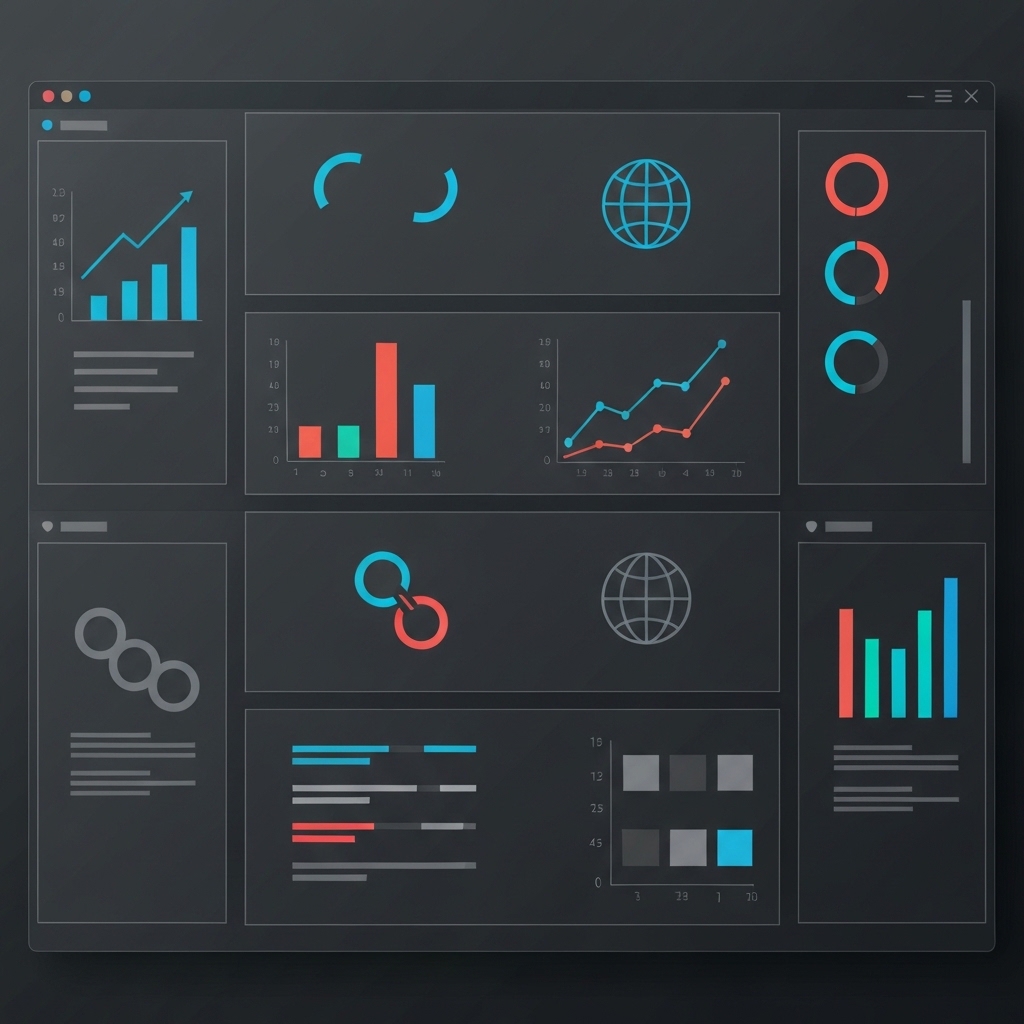
In the fast-paced world of startups, data is your compass. Key Performance Indicators (KPIs) provide actionable insights that help you track progress, identify bottlenecks, and make informed decisions. However, raw data is useless without proper visualization. That’s where KPI dashboards come in—they transform complex metrics into clear, actionable visuals.
This guide will walk you through the process of building effective KPI dashboards tailored for startups. Whether you’re a founder, data analyst, or team lead, you’ll discover practical strategies, best practices, and tools to create dashboards that drive growth.
Why Startups Need KPI Dashboards
Startups operate in dynamic environments where every decision counts. KPI dashboards offer:
- Real-time visibility: Monitor performance metrics as they happen.
- Focus on what matters: Highlight critical KPIs aligned with your goals.
- Data-driven decisions: Turn insights into actionable strategies.
- Team alignment: Ensure everyone is working toward the same objectives.
Without a dashboard, you risk drowning in data or missing critical trends. A well-designed dashboard simplifies complexity and keeps your startup on track.
Step 1: Define Your KPIs
Before building a dashboard, identify the metrics that matter most to your startup. KPIs should align with your business goals and reflect your unique value proposition.
How to Choose the Right KPIs
- Start with your goals: Are you focused on revenue growth, user acquisition, or customer retention?
- Keep it simple: Limit your dashboard to 5–10 KPIs to avoid clutter.
- Make them actionable: Ensure each KPI provides insights you can act on.
- Balance leading and lagging indicators:
- Leading KPIs: Predict future performance (e.g., website traffic, trial sign-ups).
- Lagging KPIs: Reflect past performance (e.g., monthly revenue, churn rate).
Example KPIs for Startups:
- Customer Acquisition Cost (CAC)
- Monthly Recurring Revenue (MRR)
- Customer Lifetime Value (CLTV)
- Churn Rate
- Net Promoter Score (NPS)
- Website Conversion Rate
Step 2: Choose the Right Dashboard Tools
The tool you use will determine how effectively you visualize and interact with your data. Here are some popular options for startups:
Popular KPI Dashboard Tools
- Google Data Studio: Free, easy to use, and integrates with Google Analytics.
- Tableau: Powerful for complex visualizations and large datasets.
- Power BI: Great for Microsoft ecosystem users, with robust analytics features.
- Looker: Ideal for startups scaling quickly, with customizable dashboards.
- Klipfolio: Focused on real-time metrics and integrations with 100+ data sources.
- Notion: For lightweight dashboards combined with project management.
Tip: Start with a free or low-cost tool and upgrade as your needs grow.
Step 3: Design for Clarity and Impact
A dashboard’s purpose is to communicate insights quickly. Poor design can obscure data and confuse users. Follow these principles to create a clean, effective dashboard:
Design Best Practices
- Keep it simple: Use minimal colors, fonts, and elements.
- Prioritize KPIs: Place the most important metrics at the top.
- Use consistent visuals: Stick to one chart type per metric for clarity.
- Add context: Include comparisons (e.g., month-over-month changes) and benchmarks.
- Mobile-friendly: Ensure your dashboard is accessible on all devices.
Visual Elements to Use:
- Bar charts: For comparisons (e.g., revenue by month).
- Line graphs: For trends over time (e.g., user growth).
- Pie charts: For proportions (e.g., revenue by product).
- Gauge charts: For progress toward goals (e.g., quarterly targets).
Avoid:
- Overloading with data.
- Using 3D charts or unnecessary animations.
- Ignoring color blindness accessibility.
Step 4: Automate Data Updates
Manual data entry is time-consuming and error-prone. Automate your dashboard to ensure it’s always up-to-date.
How to Automate
- Connect data sources: Integrate tools like Google Analytics, CRM, or payment platforms.
- Set refresh schedules: Update data daily, weekly, or in real-time.
- Use APIs: For custom data sources, leverage APIs to pull data automatically.
Example: If you’re tracking MRR, connect your payment gateway (e.g., Stripe) to your dashboard tool for real-time updates.
Step 5: Make It Actionable
A dashboard isn’t just for viewing—it should inspire action. Here’s how to make your dashboard a decision-making tool:
Actionable Features
- Drill-down capabilities: Allow users to explore data in detail.
- Alerts and thresholds: Notify teams when KPIs hit critical levels.
- Annotations: Add context to anomalies (e.g., “Website outage on 10/15”).
- Call-to-action buttons: Link to relevant reports or task management tools.
Example: If churn rate spikes, include a button to open your customer feedback tool for immediate analysis.
Step 6: Test and Iterate
Your first dashboard won’t be perfect. Gather feedback from your team and refine it over time.
Testing Tips
- Share with stakeholders: Ensure it meets their needs.
- Monitor usage: Track which metrics are viewed most often.
- Update regularly: As your startup evolves, so should your KPIs.
Example: If your team rarely checks a specific metric, replace it with one that’s more relevant.
Common Mistakes to Avoid
- Overloading with metrics: Stick to the essentials.
- Ignoring user experience: Design for clarity, not complexity.
- Failing to align with goals: KPIs should reflect your startup’s priorities.
- Neglecting mobile users: Ensure accessibility across devices.
- Not updating data sources: Outdated data leads to bad decisions.
Conclusion
Building an effective KPI dashboard is one of the most impactful investments a startup can make. It transforms raw data into actionable insights, aligns your team, and accelerates growth. By defining the right KPIs, choosing the right tools, and designing for clarity, you’ll create a dashboard that becomes the heartbeat of your startup.
Start small, iterate often, and let your dashboard evolve with your business. With the right approach, your KPI dashboard will be more than just a tool—it’ll be your roadmap to success.
Ready to build your dashboard? Start by identifying your top 3 KPIs today and take the first step toward data-driven growth.





























