
Executive Summary
Modern businesses face growing risks from fragmented data and evolving security threats. Combining AI-driven exposure management with unified dashboards and third-party data connectors creates a powerful solution for real-time risk visibility. This approach helps companies identify vulnerabilities faster, prioritize fixes, and align security with business goals.
The Problem With Traditional Risk Management
Most companies track risks in silos. Security teams monitor firewalls. IT checks software updates. Finance reviews compliance costs. This fragmented approach creates blind spots. A 2023 study found 67% of breaches started from unpatched systems that no single team owned.
Example: A retail company might miss that its outdated payment processor API (tracked by IT) conflicts with new data privacy laws (monitored by Legal), creating a compliance risk neither team sees alone.
What Is AI-Driven Exposure Management?
AI-driven exposure management uses machine learning to:
- Scan all digital assets for vulnerabilities
- Predict which risks could cause the most damage
- Automate prioritization based on business impact
Think of it like a smart assistant that doesn’t just list problems but tells you which ones to fix first. For example, AI might flag an unpatched customer database server as high priority because it contains sensitive data and connects to public-facing apps.
Why Third-Party Data Connectors Matter
Most companies use 12+ cloud services daily. Without integration, critical data stays trapped in separate tools:
- Security: Vulnerability scanners
- Operations: Infrastructure monitoring
- Compliance: Audit logs
Connectors break down walls between these systems. A manufacturing firm could combine production line sensor data with cybersecurity alerts to spot when a compromised IoT device might disrupt shipping timelines.
How Unified Dashboards Create Clarity
Imagine all your risk data in one place:
- Security scores
- Compliance status
- Asset inventories
- Third-party vendor risks
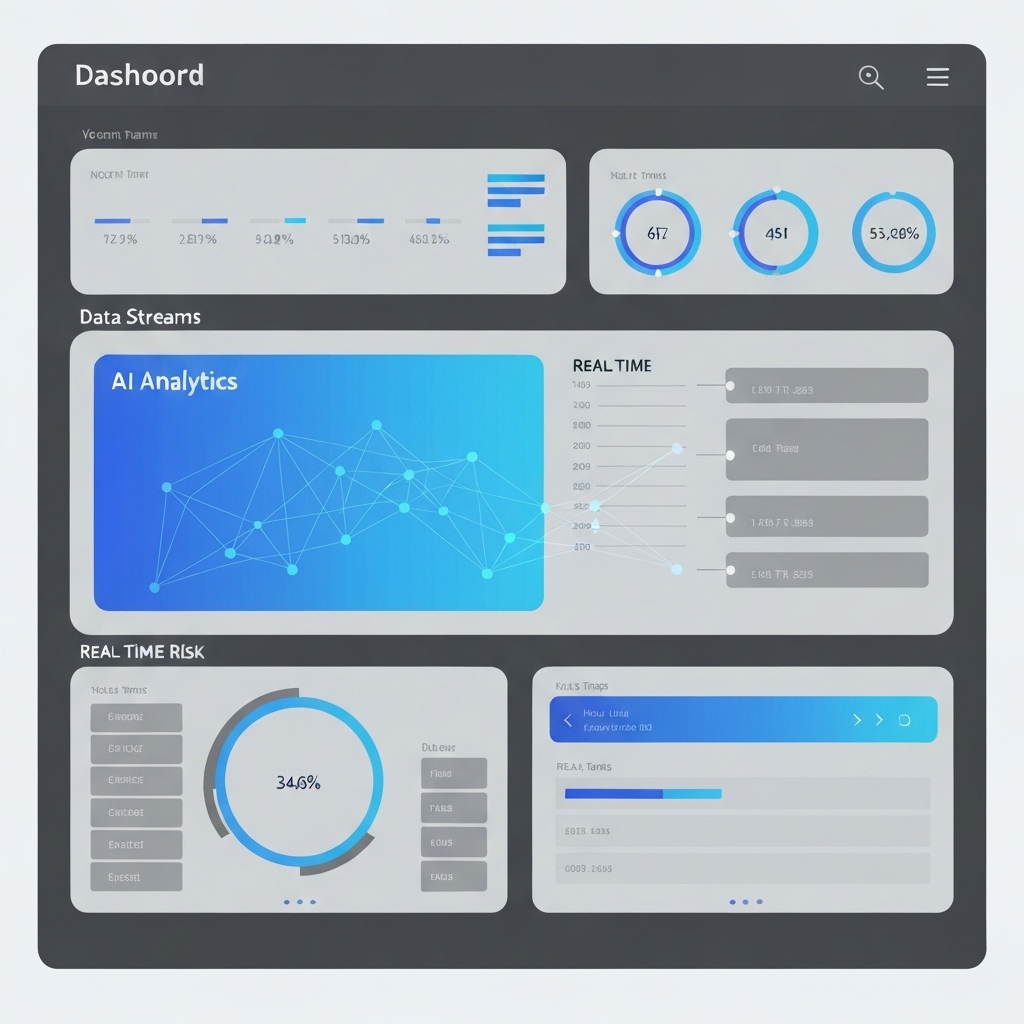
Unified dashboards do this while letting teams view the same data through different lenses. Executives see risk trends. IT teams get technical details. This reduces meeting time by 40% and speeds up decisions.
Three Steps to Implement
Step 1: Map Critical Data Sources
List systems containing sensitive data or affecting operations. Include:
- Cloud storage locations
- Key SaaS tools
- Network hardware
- Third-party vendors
Step 2: Prioritize Connectors
Start with connectors that address your biggest risks. Example priorities:
- Retail: Payment processors & CRM systems
- Healthcare: Patient records & medical devices
- Manufacturing: Supply chain software & IoT equipment
Step 3: Build Dashboards Around Business Goals
Don’t just copy vendor templates. Create views that answer questions like:
- “Which risks could delay product launches?”
- “What vulnerabilities affect customer retention?”
- “Where do we overspend on redundant security tools?”
Common Pitfalls to Avoid
Overloading Metrics: Track 3-5 critical risk indicators (CRIs) tied to business outcomes. Example: “Time to fix critical vulnerabilities” or “Percentage of assets with outdated software.”
Ignoring Human Workflow: Automate data collection but keep humans in the loop for final decisions. One logistics company reduced false alarms by 70% by letting analysts adjust AI risk scores based on real-world context.
What’s Next?
Start small. Pilot AI exposure management in one department. A regional bank tested the approach with its loan approval system, cutting risk response time from 14 days to 48 hours. When teams see faster results, expand to other areas.
Action Item: This week, identify one critical business process that depends on multiple systems. Plan how connecting those data sources could reveal hidden risks.





























