
Streamline your cleaning business with our Google Sheets Cleaning Business Dashboard Template. Track clients, schedules, and finances effortlessly in one place. Perfect for small businesses looking to optimize operations and boost productivity.
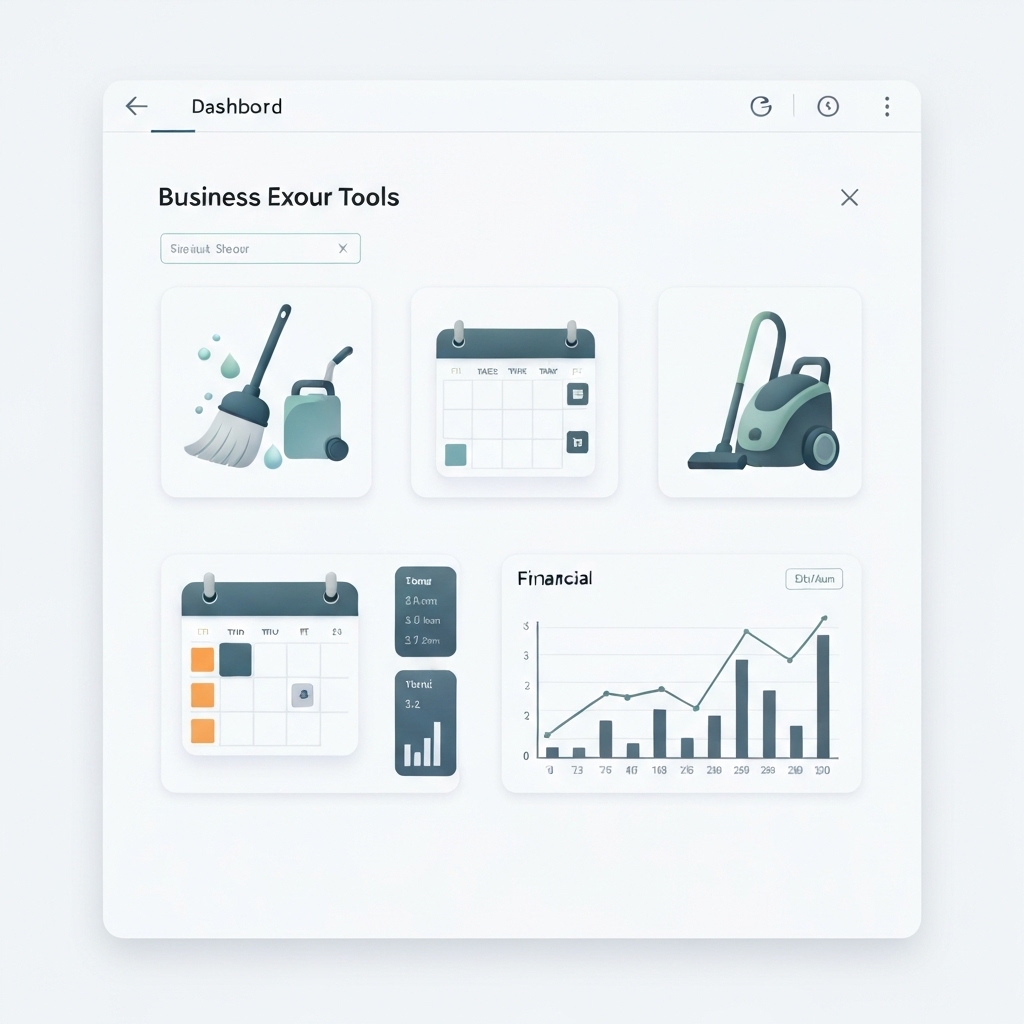
Running a cleaning business involves managing multiple tasks – from client coordination and job scheduling to financial tracking and quality assurance. Without efficient tools, it’s easy to feel overwhelmed. The Google Sheets Cleaning Business Dashboard Template offers a streamlined solution to simplify operations and help you focus on growing your business.
In this article, we’ll explore how this template can transform your cleaning business, its key features, and practical tips for implementation. Whether you’re a solo cleaner or managing a team, this tool is designed to enhance efficiency and scalability.
Why Your Cleaning Business Needs a Dashboard
Before diving into the template, let’s address the why. Why should you invest time in setting up a dashboard for your cleaning business?
- Centralized Information: A dashboard consolidates all critical data – client details, schedules, invoices, and expenses – in one place. No more searching through multiple spreadsheets, notebooks, or apps.
- Time Savings: Automate repetitive tasks like invoicing, scheduling, and payment tracking. Spend less time on administrative work and more time on client satisfaction.
- Data-Driven Decisions: Visualize business performance with charts and graphs. Identify trends, spot inefficiencies, and make informed decisions to improve profitability.
- Scalability: As your business grows, a dashboard ensures you stay organized and efficient, regardless of the number of clients or staff.
Now, let’s explore how the Google Sheets Cleaning Business Dashboard Template makes all this possible.
Key Features of the Google Sheets Cleaning Business Dashboard Template
This template is tailored for cleaning businesses, offering a user-friendly interface and powerful features to streamline operations. Here’s what you’ll find:
1. Client Management
Track all client details in one place – names, contact information, service preferences, and special requests. Use filters to quickly find specific clients or sort by service type.
2. Scheduling & Job Tracking
Plan and manage cleaning jobs with a built-in calendar view. Assign tasks to team members, set reminders, and track job completion status. Never miss a booking again!
3. Financial Tracking
Monitor income and expenses effortlessly. Generate invoices, track payments, and analyze profitability with pre-built financial charts.
4. Inventory Management
Keep track of cleaning supplies and equipment. Set reorder alerts to ensure you never run out of essentials.
5. Performance Metrics
Visualize key metrics like revenue per client, job completion rates, and team productivity. Identify areas for improvement and celebrate successes.
6. Customizable & Scalable
Tailor the template to your business needs. Add or remove sections, change colors, and adjust formulas to fit your workflow.
How to Use the Google Sheets Cleaning Business Dashboard Template
Ready to get started? Follow these steps to implement the template in your business:
Step 1: Access the Template
Access the Google Sheets Cleaning Business Dashboard Template. Make a copy to your Google Drive for easy editing.
Step 2: Customize Your Dashboard
Replace placeholder data with your business information. Add client details, job schedules, and financial records. Customize colors and branding to match your business identity.
Step 3: Train Your Team
If you have a team, share the dashboard with them and provide training on how to use it. Assign specific roles and permissions to ensure data integrity.
Step 4: Monitor & Optimize
Regularly update the dashboard with new data. Use the insights to optimize operations, improve client satisfaction, and increase profitability.
Practical Tips for Maximizing Your Dashboard
To get the most out of your Google Sheets Cleaning Business Dashboard Template, consider these tips:
- Automate Where Possible: Use Google Sheets’ built-in functions e.g.,
SUM,AVERAGE,IFto automate calculations. Explore add-ons like Zapier to integrate with tools like Gmail or QuickBooks. - Set Regular Check-Ins: Schedule weekly or monthly reviews to analyze dashboard data. Identify trends and take proactive steps to address issues.
- Backup Your Data: Regularly save a copy of your dashboard to prevent data loss. Use Google Drive’s version history feature to track changes.
- Stay Organized: Keep your dashboard clutter-free. Use tabs, color-coding, and clear labels for intuitive navigation.
Real-Life Success Stories
Here’s how other cleaning businesses have benefited from using a dashboard:
- Sarah’s Sparkle Cleaning: Sarah reduced admin time by 50% and increased her client base by 30% after implementing the template.
- CleanPro Services: By tracking job completion rates, CleanPro identified inefficiencies and improved team productivity by 25%.
- EcoClean Solutions: The financial tracking feature helped EcoClean reduce expenses by 15% and boost profitability.
Frequently Asked Questions FAQs
Q: Is the template free to use?
A: Yes, the Google Sheets Cleaning Business Dashboard Template is free to download and use.
Q: Do I need advanced Excel skills to use it?
A: Not at all! The template is designed for beginners. Basic knowledge of Google Sheets is sufficient.
Q: Can I share the dashboard with my team?
A: Absolutely! Share the Google Sheets link with your team and assign editing or viewing permissions as needed.
Q: How often should I update the dashboard?
A: Aim to update it daily or weekly, depending on your business volume.
Conclusion: Take Your Cleaning Business to the Next Level
The Google Sheets Cleaning Business Dashboard Template is more than just a tool – it’s a strategic asset for your business. By centralizing data, automating tasks, and providing actionable insights, it empowers you to focus on delivering exceptional service and growing your business.





























