
Executive Summary
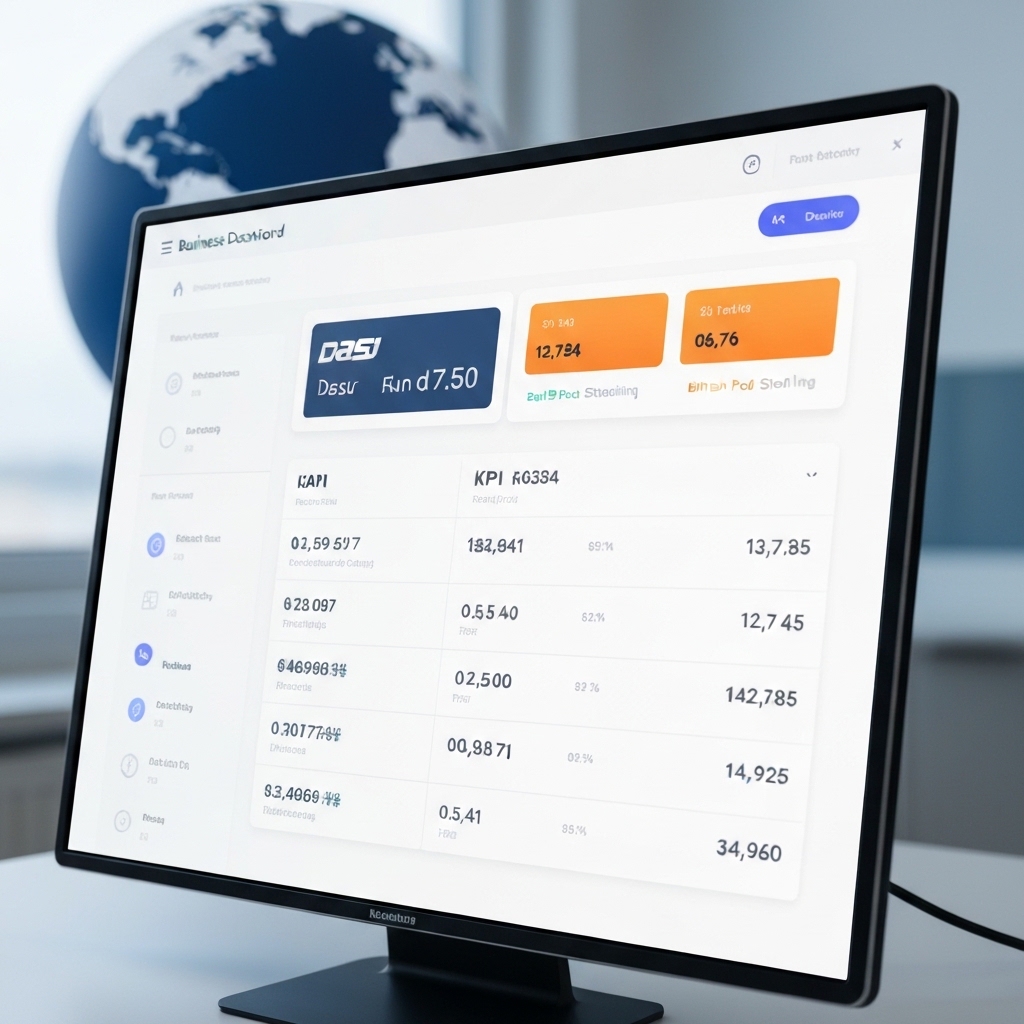
Understanding currency conversion in dashboards helps global teams track real costs and KPIs accurately. This guide translates the core idea of adapting a specialized currency converter approach into practical, repeatable steps for performance dashboards, showing how to incorporate GBP pricing, FX rates, and scenario planning into your workflow.
What this article covers
This article explains how to design dashboards and processes that handle currency conversions clearly. It includes practical formulas, example workflows, and action steps you can use today to improve financial visibility across markets.
Why currency matters in dashboards
Many teams operate across regions with multiple currencies. Without consistent currency handling, comparisons of revenue, costs, or ROI become unreliable. A robust approach aligns currency data with your KPIs, enabling accurate forecasting and smarter decisions.
Key concepts and definitions
- Base currency: the currency you report in, often your home country’s currency (e.g., GBP).
- Quote currency: the currency you convert from (e.g., USD, EUR, DASH if applicable in a crypto context).
- FX rate: the current exchange rate used to convert one unit of a currency to another. Use a reliable source and define the update cadence.
- Revenue recognition in multi-currency: map every transaction to the base currency at the rate prevailing on the transaction date or use average rates for reporting periods.
Practical framework for currency-aware dashboards
Use a simple, repeatable framework to keep dashboards accurate and easy to audit.
1) Decide the base currency and scope
Choose GBP as the base when your primary market is the UK or when you want a consistent reference. Include other currencies only if they materially affect decisions.
2) Source reliable FX data and update cadence
Pick one primary FX data feed (e.g., a reputable financial data provider). Define update frequency (real-time, hourly, daily) and ensure the dashboard applies the rate for the correct period.
3) Build currency-aware calculations
When converting, keep two clear values in each metric: the local currency amount and the converted base currency amount. Use explicit formulas:
- Converted amount = Local amount × FX rate (base currency per unit of local currency)
- For revenues: Revenue_base = Revenue_local × FX_rate_on_period
- For costs: Cost_base = Cost_local × FX_rate_on_period
Document the FX rate date alongside the metric to avoid confusion during audits.
4) Handle crypto or non-fiat inputs thoughtfully
If your business uses crypto assets (dash, etc.), establish a policy for valuing crypto holdings, using a stable reference price or daily spot price when reporting in GBP.
5) Include FX impact in KPI storytelling
Show how FX movements affect KPI values. For example, add a dedicated KPI that measures FX exposure or variance between local and base currency revenue.
Illustrative example
Company Alpha reports quarterly revenue in USD but wants GBP-based dashboards. They use the following setup:
- Base currency: GBP
- FX data: USD/GBP rate published daily at 16:00 UTC
- Period: Q2 revenue
- Revenue_USD: 2,000,000 USD
- FX_rate_on_Q2_declared: 0.79 GBP per USD
Calculations:
- Revenue_GBP = 2,000,000 × 0.79 = 1,580,000 GBP
- Revenue_GBP_per_quarter shown alongside Revenue_USD for cross-check
Outcome: clear understanding of performance in GBP, with a simple way to compare regional results and plan budgets in the base currency.
Common pitfalls and how to avoid them
- Using historic rates inconsistently. Solution: tag each value with the FX rate date and currency pair.
- Mixing period definitions. Solution: align revenue and FX data to the same period (e.g., quarter or month).
- Ignoring FX exposure in dashboards. Solution: add FX impact metrics and scenario analyses.
Scenario planning with FX
Beyond static conversion, model scenarios to answer “what if” questions. For example:
- What if USD strengthens by 5% against GBP?
- What is the impact on KPIs like gross margin when FX shifts?
Use a simple Excel or BI model to simulate FX shifts and present results as side-by-side KPI sets: current, best case, worst case.
Governance and auditability
Maintain a changelog for FX data sources, update schedules, and any rate adjustments. Ensure dashboards clearly show the FX rate used and the date, so auditors can verify figures quickly.
Action plan
- Define base currency and currency scope for dashboards.
- Select a reliable FX data source and set update cadence.
- Implement currency-aware calculations and document FX rate dates.
- Add FX impact KPIs and scenario analysis components.
- Establish governance: data sources, rate dates, and audit trail.
Keep in mind
Consistency is the key. The value of a multi-currency dashboard lies not just in conversion, but in how clearly it communicates how currency movements affect business performance.
What’s next
Review your current dashboards. Identify at least two KPIs that would benefit from explicit currency awareness. Implement a pilot with those metrics, and monitor how the team uses the updated insights.
Bottom line
By treating currency conversion as a core dashboard design problem, you improve decision quality across markets. A clear base currency, reliable FX data, and explicit FX impact storytelling turn raw numbers into actionable insights.





























