
Discover how to build AI-enabled dashboards for real-time KPI reporting tailored for executives. Unlock actionable insights, streamline decision-making, and drive business growth with cutting-edge AI technology.
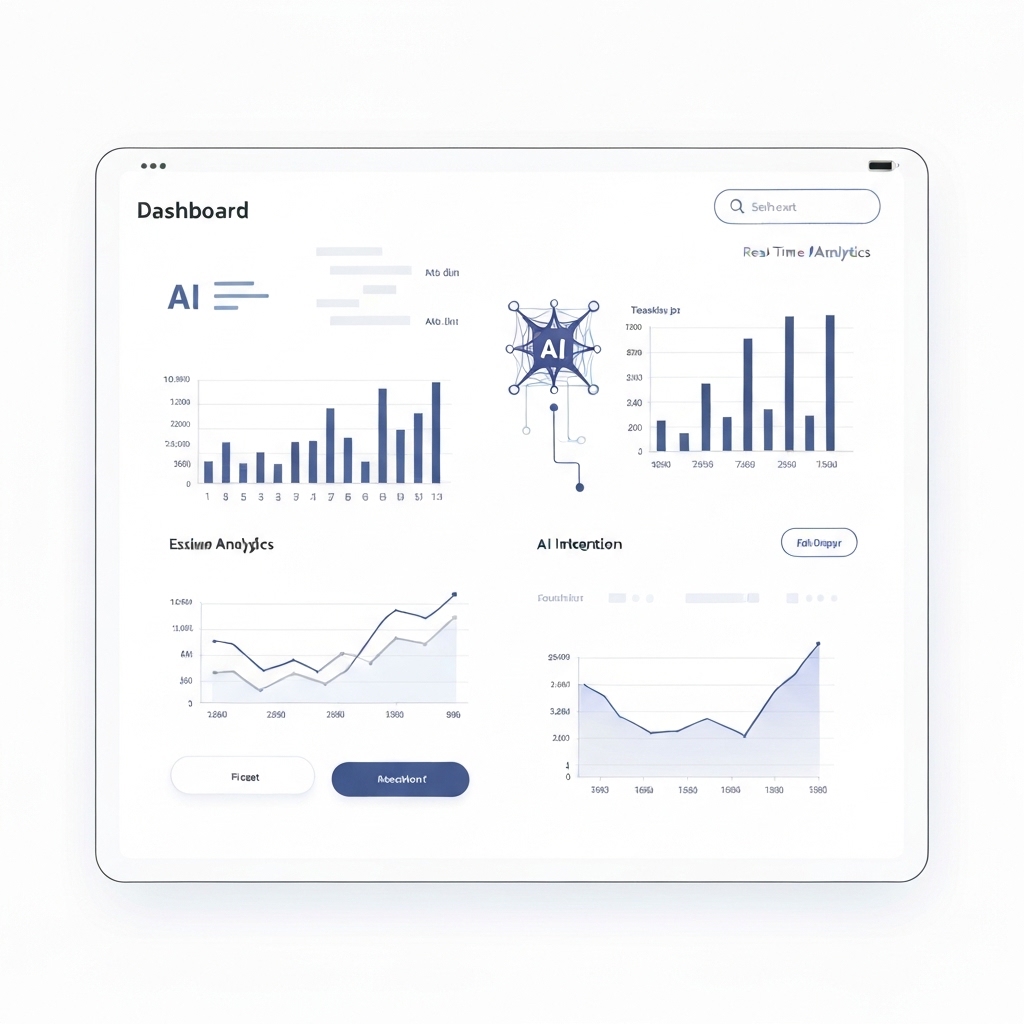
In today’s fast-paced business environment, executives need access to real-time, actionable insights to make informed decisions. AI-enabled dashboards are revolutionizing how organizations monitor Key Performance Indicators (KPIs), offering dynamic, data-driven visualizations that update in real-time. By integrating artificial intelligence into dashboard design, businesses can unlock deeper insights, predict trends, and streamline decision-making processes. This article explores the process of building AI-enabled dashboards, their benefits, and practical strategies for implementation.
Why AI-Enabled Dashboards Are Essential for Executives
Executives often face a deluge of data but struggle to extract meaningful insights. Traditional dashboards provide static snapshots of performance, which can quickly become outdated in a rapidly changing business landscape. AI-enabled dashboards, however, leverage machine learning, natural language processing (NLP), and predictive analytics to deliver real-time, context-aware information.
Here’s why AI-enabled dashboards are transformative:
- Real-Time Updates: Data is refreshed instantly, ensuring executives always have the latest information.
- Predictive Insights: AI algorithms identify trends and forecast future performance, enabling proactive decision-making.
- Personalization: Dashboards can be tailored to individual roles, displaying only the most relevant KPIs.
- Automation: Routine tasks like data collection and analysis are automated, freeing up time for strategic thinking.
- Enhanced Visualization: AI-powered tools create interactive and intuitive visuals, making complex data easier to understand.
By adopting AI-enabled dashboards, executives can transform raw data into strategic advantages, driving business growth and efficiency.
Key Components of an AI-Enabled Dashboard
Building an effective AI-enabled dashboard requires a thoughtful combination of technology, design, and functionality. Here are the essential components:
1. Data Integration
The foundation of any dashboard is its data sources. AI-enabled dashboards must connect to multiple data streams, including CRM systems, ERP platforms, social media, and IoT devices. APIs and data connectors ensure seamless integration, while AI algorithms clean and standardize the data for accurate analysis.
2. Real-Time Data Processing
To deliver up-to-the-minute insights, dashboards must process data in real-time. Technologies like Apache Kafka and Spark Streaming enable continuous data ingestion and analysis, ensuring executives always have access to the latest information.
3. AI and Machine Learning Models
AI is the heart of these dashboards. Machine learning models can:
- Predict Trends: Forecast sales, customer churn, or market demand.
- Detect Anomalies: Identify unusual patterns that may indicate risks or opportunities.
- Generate Insights: Use NLP to summarize data and provide actionable recommendations.
4. Interactive Visualizations
Data is only valuable if it’s easy to understand. AI-enabled dashboards use advanced visualization tools like Tableau, Power BI, or custom-built solutions to create dynamic charts, graphs, and heatmaps. Interactive features allow executives to drill down into specific metrics for deeper analysis.
5. User-Centric Design
Dashboards must be intuitive and tailored to the needs of executives. A clean, minimalist design with clear navigation ensures users can quickly find the information they need. Personalization features, such as customizable widgets and filters, enhance usability.
Steps to Build an AI-Enabled Dashboard
Creating an AI-enabled dashboard involves a structured approach. Here’s a step-by-step guide:
1. Define Objectives and KPIs
Start by identifying the goals of the dashboard and the KPIs that align with those objectives. For example, a sales dashboard might track revenue growth, lead conversion rates, and customer acquisition costs.
2. Select the Right Tools and Technologies
Choose a dashboard platform that supports AI integration, such as Tableau, Power BI, or Looker. For custom solutions, consider using Python libraries like TensorFlow, PyTorch, or Scikit-learn for machine learning models.
3. Integrate Data Sources
Connect all relevant data sources to the dashboard. Use ETL (Extract, Transform, Load) processes to clean and standardize the data. AI algorithms can automate this step, ensuring data accuracy and consistency.
4. Develop AI Models
Build or integrate machine learning models to enhance the dashboard’s capabilities. For example, a predictive model can forecast sales based on historical data, while an NLP model can generate insights from customer feedback.
5. Design the Dashboard
Focus on usability and aesthetics. Use a clean layout with clear labels and interactive elements. Ensure the dashboard is responsive and accessible on all devices, including mobile.
6. Test and Iterate
Before deployment, test the dashboard with real data to ensure accuracy and performance. Gather feedback from executives and make iterative improvements to enhance functionality and user experience.
7. Monitor and Maintain
AI models require ongoing monitoring to ensure they remain accurate and relevant. Regularly update the dashboard with new data sources and refine AI algorithms as needed.
Real-World Applications of AI-Enabled Dashboards
AI-enabled dashboards are transforming industries by providing real-time insights and driving data-driven decisions. Here are a few examples:
1. Retail
Retailers use AI dashboards to monitor sales performance, track inventory levels, and analyze customer behavior. Predictive analytics helps optimize pricing strategies and reduce stockouts.
2. Healthcare
Hospitals leverage AI dashboards to track patient outcomes, manage resources, and predict disease outbreaks. Real-time data ensures timely interventions and improves patient care.
3. Finance
Financial institutions use AI dashboards to monitor market trends, detect fraud, and assess risk. Predictive models help identify investment opportunities and optimize portfolio performance.
4. Manufacturing
Manufacturers use AI dashboards to monitor production efficiency, track equipment performance, and predict maintenance needs. Real-time insights reduce downtime and improve productivity.
Challenges and Considerations
While AI-enabled dashboards offer significant benefits, they also come with challenges:
- Data Quality: Poor-quality data can lead to inaccurate insights. Ensure robust data cleaning and validation processes.
- Complexity: Building and maintaining AI models requires specialized skills. Consider partnering with data scientists or AI experts.
- Cost: Implementing AI-enabled dashboards can be expensive. Evaluate the ROI and prioritize features based on business needs.
- Security: Protect sensitive data with encryption, access controls, and compliance with regulations like GDPR.
The Future of AI-Enabled Dashboards
As AI technology continues to evolve, dashboards will become even more sophisticated. Emerging trends include:
- Augmented Analytics: AI will automate data analysis, providing insights without human intervention.
- Voice-Enabled Dashboards: Executives can query dashboards using natural language, making data access more intuitive.
- Edge Computing: Dashboards will process data closer to the source, reducing latency and improving real-time performance.
Conclusion
AI-enabled dashboards are no longer a luxury—they’re a necessity for executives navigating a data-driven business landscape. By providing real-time, actionable insights, these dashboards empower leaders to make informed decisions, predict trends, and drive growth. With the right tools, strategies, and mindset, organizations can build AI-enabled dashboards that transform data into a competitive advantage.
Ready to take your executive reporting to the next level? Start building your AI-enabled dashboard today and unlock the full potential of your data.





























