
Executive Summary
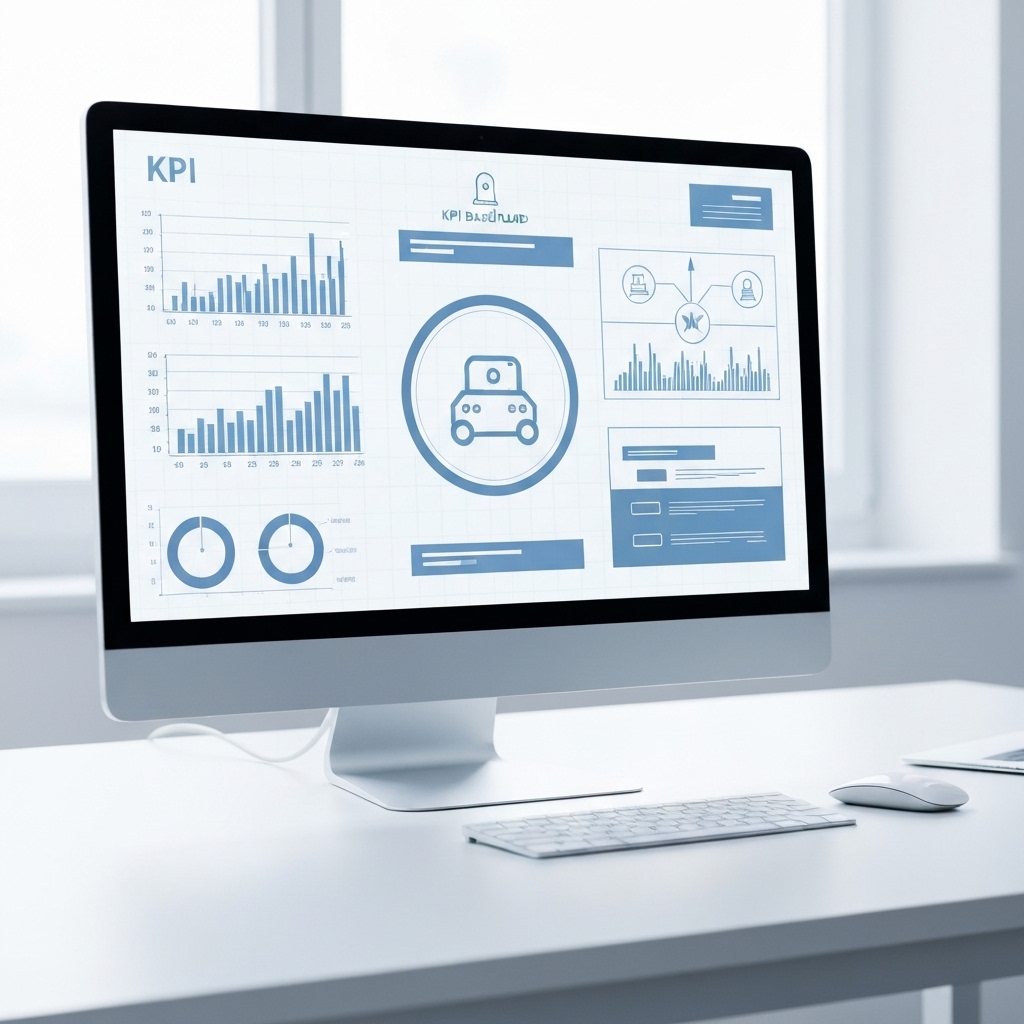
Automation tools are shifting how we measure performance. They enable multi-metric dashboards that tell a fuller story, beyond single KPIs. This article explains how to design resilient dashboards that reflect real work, automate data flows, and drive action without overwhelming leaders with noise.
Why single KPIs fall short in automated environments
Relying on a single metric hides blind spots created by automation-augmented processes. When automation touches many steps, outliers, latents, and downstream effects emerge across departments. This makes multi-metric dashboards essential for a complete view of performance.
Consider a marketing workflow that uses automation for content distribution, lead scoring, and follow-up emails. A lone KPI like “click-through rate” may miss how automation affects lead quality, conversion velocity, or cost per acquisition. A dashboard combining engagement, lead quality, cycle time, and cost metrics provides a fuller picture and guides better decisions.
The core idea: data storytelling through dashboards
Dashboards should tell a coherent story about how work gets done, not just how performers score on isolated numbers. The goal is to align data with business processes, showing cause-and-effect across automated steps. When dashboards read like a narrative, leaders can spot where automation accelerates outcomes or where bottlenecks arise.
Key components of an effective automation-focused dashboard
- Process-centric metrics: cycle time, handoff latency, automation coverage (percent of steps automated).
- Quality and risk indicators: error rate, exception rate, retry frequency, and SLA adherence.
- Cost and value metrics: automation ROI, cost per completed task, and savings realization timelines.
- Forecast and scenario planning: trend lines, variance from plan, and what-if analyses for changing automation scopes.
Practical framework: design and implementation
Follow a simple, repeatable framework to build dashboards that stay useful as automation expands.
1) Map the end-to-end workflow
Document each step in a process that uses automation. Identify data sources, owners, and decision points. This helps ensure the dashboard captures all critical stages, not just the ones that are easy to measure.
2) Choose a multi-metric set
Select a balanced mix of metrics that reflect efficiency, quality, and impact. For example, combine cycle time with defect rate and automation coverage to see if faster processes trade quality for speed.
3) Establish data provenance and refresh cadence
Automated data pipelines should have clear ownership and documented lineage. Decide how often data updates occur—daily for rapid processes, weekly for longer cycles—to balance relevance and reliability.
4) Set guardrails to avoid dashboard noise
Limit the number of primary KPIs per view and use drill-downs for depth. Implement alerting for meaningful changes (e.g., a sudden rise in exception rate) rather than every minor fluctuation.
5) Embed action triggers
Link dashboard insights to concrete actions. For instance, when automation latency increases beyond a threshold, trigger a predefined optimization run or escalation path.
Formulas and practical examples
Use simple, repeatable formulas to keep dashboards consistent and actionable.
- Automation Coverage = (Number of automated steps) / (Total steps) × 100
- Cycle Time per Task = Total processing time from start to completion, including automated steps
- Cost per Completed Task = Total automation-related cost / Number of tasks completed
- Quality Rate = 1 – (Defects / Total tasks)
- ROI of Automation = (Savings from automation − Implementation and maintenance costs) / Implementation costs
Governance and culture: the role of leadership
Leaders must encourage data storytelling and constructive dialogue about automation outcomes. Regular review cycles help translate insights into strategic moves, like expanding automation where it yields clear value or recalibrating processes that underperform.
What to measure for different audiences
Tailor dashboards to stakeholders without sacrificing consistency. Executives often prefer high-level outcomes and ROI, while ops teams need process metrics and trigger-based actions. A common data model with role-specific views reduces fragmentation and ensures everyone talks the same language.
Practical case blueprint: a mid-market example
Imagine a customer service operation using chatbots for tier-1 inquiries and handoffs to human agents. An effective dashboard would show:
- Automation Coverage: percentage of inquiries handled by bot vs human
- Average Handling Time (AHT) by channel
- First Contact Resolution rate
- Bot Escalation Rate and reasons for escalation
- Cost per Resolve and monthly automation savings
With these metrics, management can see where automation reduces queue times and where human intervention remains essential. They can then optimize bot responses or adjust staffing to maximize value.
Best practices: keep dashboards evergreen
Design dashboards that adapt as processes evolve. Revisit the metric definitions, data sources, and thresholds regularly. Continuous improvement ensures dashboards stay relevant even as automation capabilities grow or shift.
What’s next: action plan for your organization
Action items you can implement this month:
- Audit your end-to-end processes to identify automation-critical steps.
- Create a core multi-metric dashboard with at least one operational, one quality, and one financial metric.
- Set up data provenance and a weekly review rhythm with stakeholders.
- Implement alerting on meaningful changes to avoid noise.
- Define a simple ROI model for automation and track realized savings monthly.
Takeaways
Automation changes how we measure performance. Build dashboards that tell the story of end-to-end work, not just individual parts. Use clear formulas, governance, and action triggers to turn data into real improvements.
Close: start simple, scale thoughtfully
Begin with one end-to-end process, a small set of metrics, and a straightforward data pipeline. Then scale your dashboard program as you gain confidence in data quality and the value of automation-driven insights.





























