
Executive Summary
Payroll data reveals hidden workforce patterns that directly impact profitability. By analyzing salary distributions, turnover costs, and overtime trends, businesses uncover opportunities to reduce attrition, optimize staffing, and align compensation with performance. This article provides actionable steps to transform raw payroll numbers into strategic business decisions.
Why Payroll Data Matters
Most companies treat payroll as an expense rather than an asset. But every pay cycle generates data that reflects:
- Employee engagement levels
- Departmental efficiency
- Market competitiveness
- Operational bottlenecks
Example: A sudden 15% increase in overtime costs for your sales team might indicate understaffing during peak seasons. A 30% salary gap between high performers and peers suggests retention risks.
Key Payroll Metrics to Track
Start with these baseline measurements:
- Attrition Cost: (Number of exits × Average replacement cost) ÷ Total employees
- Overtime Ratio: Overtime hours ÷ Total worked hours
- Salary Competitiveness: Average department pay ÷ Industry benchmark
Strategic Applications of Payroll Analytics
1. Predict Flight Risks
Correlate payroll data with performance reviews and promotion histories. Employees with above-average performance but below-market salaries show 70% higher attrition likelihood.
Action: Create retention bonuses for top performers in critical roles.
2. Optimize Workforce Planning
Compare seasonal overtime spikes with project timelines. One manufacturing firm discovered 40% of summer overtime costs came from three production lines, prompting automation investments that reduced labor costs by $250K annually.
3. Benchmark Against Industry Standards
Use salary distribution data to identify underpaid departments. A tech startup found their engineering team earned 12% less than market average, explaining their 25% annual turnover rate.
Building a Payroll Analytics Framework
Step 1: Integrate Systems
Connect payroll software with HRIS and performance management tools. A unified view of compensation, reviews, and promotions creates richer insights.
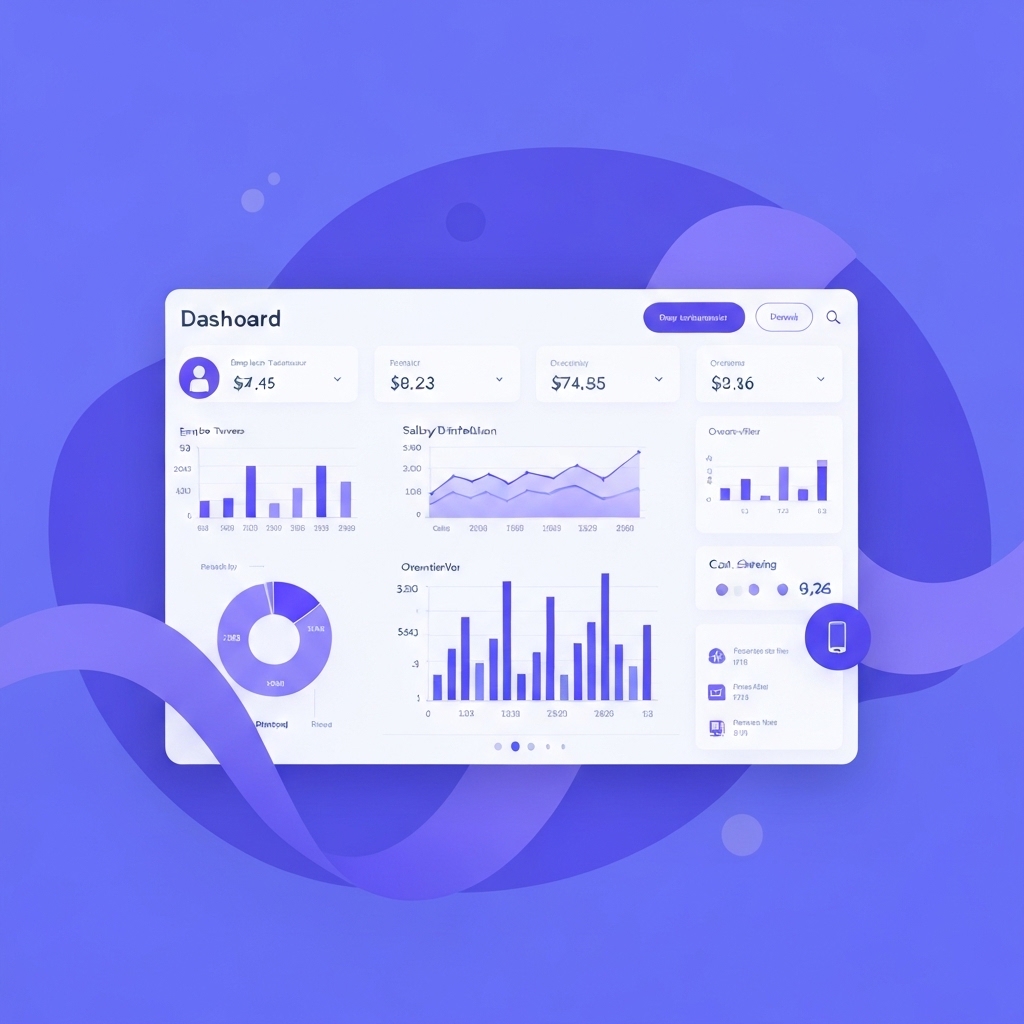
Step 2: Create Dynamic Dashboards
Design visuals that update automatically. Essential components:
- Real-time attrition risk indicators
- Departmental salary heat maps
- Overtime trend comparisons by quarter
Step 3: Establish Alert Thresholds
Set triggers for critical metrics. Example: Generate alerts when any department’s overtime exceeds 8% of total hours worked.
Common Challenges and Solutions
Problem: Data Silos
Solution: Use middleware platforms like Zapier or Workato to automate data flow between systems.
Problem: Privacy Concerns
Solution: Aggregate individual data into departmental trends. Focus on patterns, not personal details.
Problem: Analysis Paralysis
Solution: Start with one business objective. A retail chain reduced turnover by 18% by first analyzing store manager compensation data.
Things to Remember
- Payroll analytics isn’t about tracking employees – it’s about improving systems
- Small data gaps matter: A 2% error rate in tracking overtime can hide $50K+ annual losses
- Combine quantitative data with exit interview insights for deeper understanding
What’s Next?
Begin by selecting one department for a 90-day pilot analysis. Calculate baseline metrics, set improvement targets, and measure progress monthly. One finance team used this approach to identify redundant roles during payroll analysis, freeing $180K for innovation investments.
Close: Your Strategic Action Plan
Do this today:
- Export your payroll data into Excel or Google Sheets
- Calculate attrition cost using last quarter’s exit numbers
- Compare your top performers’ salaries with department averages
Tomorrow, create a simple dashboard tracking 2-3 critical metrics. Small steps reveal big opportunities – one construction firm saved $900K annually by addressing overtime trends identified in their first month of analysis.





























