
Executive Summary
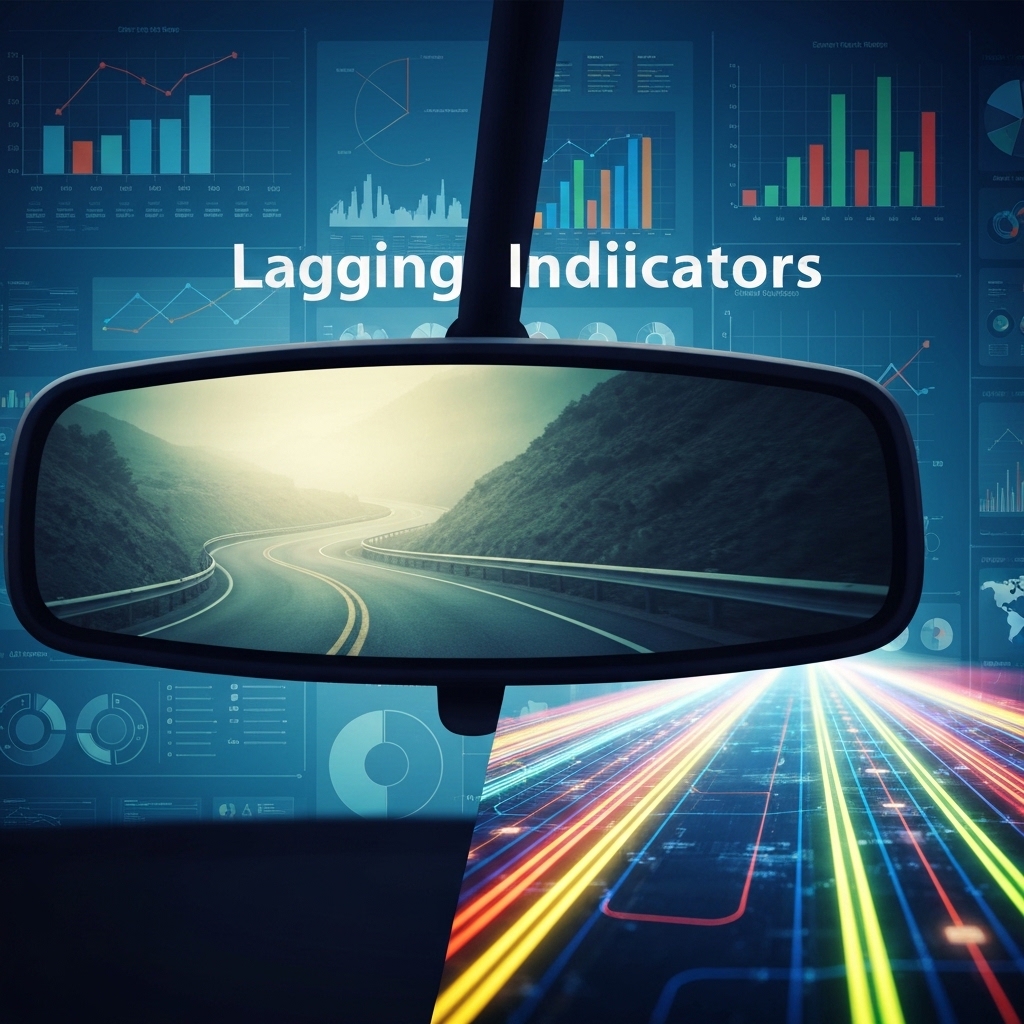
Lagging indicators like jobs reports show what already happened, not what’s coming next. Businesses that rely only on historical data risk making reactive decisions. Combine lagging indicators with predictive leading metrics to create balanced dashboards that guide proactive strategy.
What Makes Jobs Reports Lagging Indicators?
Jobs reports measure outcomes after they occur – like monthly sales totals or quarterly hiring numbers. These metrics confirm trends that already happened, similar to checking your rearview mirror while driving. While useful for validation, they don’t predict future performance.
Common lagging indicators include:
- Revenue reports
- Employee turnover rates
- Customer satisfaction scores
- Inventory turnover ratios
Why Leading Indicators Matter More
Leading indicators act as early warning systems. They track activities that predict future outcomes, like:
- Website traffic trends
- Sales pipeline growth
- Product defect rates
- Employee engagement levels
A manufacturing company might track machine maintenance logs (leading) to predict equipment failures before they cause production delays (lagging).
Real-World Example: Retail Sales Strategy
Imagine a clothing retailer analyzing metrics:
- Lagging: Last month’s sales reports showed 15% decline in winter coats
- Leading: Current website analytics show 40% increased searches for summer apparel
Using only lagging data might lead to panic over declining sales. Combining with leading indicators reveals seasonal demand shifts, enabling proactive inventory adjustments.
How to Balance Both Indicator Types
Create dashboards mixing historical and predictive metrics. Use this framework:
- Validate: Use lagging indicators to confirm patterns (e.g., “Q1 revenue dropped 8%”)
- Predict: Track leading indicators for early signals (e.g., “Website bounce rate increased 12%”)
- Act: Develop response plans for both confirmed trends and emerging risks
A tech startup might pair customer churn rates (lagging) with product usage analytics (leading) to identify and fix adoption issues before they impact revenue.
Three Action Items to Improve Your Dashboard
Audit Your Metrics: Categorize current KPIs as leading or lagging. Are you over-relying on historical data?
Find Predictive Signals: Identify 1-2 leading metrics that could warn about potential problems in your industry. For SaaS companies, this might be free trial conversion rates.
Train Your Team: Ensure managers understand how to interpret both indicator types and connect them to daily operations.
Things to Remember
Lagging indicators show results, but leading indicators reveal causes. Combining both creates a complete performance picture. Like driving with both your rearview mirror and GPS, this balanced approach prevents blind spots.
For example, a restaurant tracking customer complaints (leading) alongside monthly revenue (lagging) might discover that resolving 3 specific service issues reduces negative reviews by 60% and increases sales by 25% within 8 weeks.
What’s Next?
Start building your balanced dashboard by identifying 1 lagging metric that confirms success and 1 leading metric that predicts challenges. Use this formula to calculate your indicator effectiveness:
Indicator Value = (Leading Metric Trend %) x (Lagging Metric Impact)
This helps prioritize which metrics deserve more attention based on their predictive power and business impact.
Keep in Mind
Over-reliance on lagging indicators creates reactive decision-making cycles. When sales drop, it’s too late to fix underlying issues. Leading indicators let you address problems while they’re still solvable, giving your business a critical advantage in fast-moving markets.





























